BENCHMARK / 2026
Seven tools. Four images.
Every byte counted.
An image compression benchmark at 20 KB, 50 KB and 100 KB. Exact file sizes, dimensions and similarity metrics, with human review and the files to check them.
Collected September 30–October 1, 2026 · Publication dataset v2 · Four synthetic originals
- Planned cases
- 84
- Completed outputs
- 82
- Unavailable
- 2
- Tools tested
- 7
01 / THE SAMPLE
What we tested
Seven tools received the same four original files at each of three UI targets: 20, 50 and 100 KB. That gives 84 planned cases. These are controlled synthetic workloads, not a representative sample of camera photographs. Inputs are JPEG and PNG; this study does not test WebP inputs.
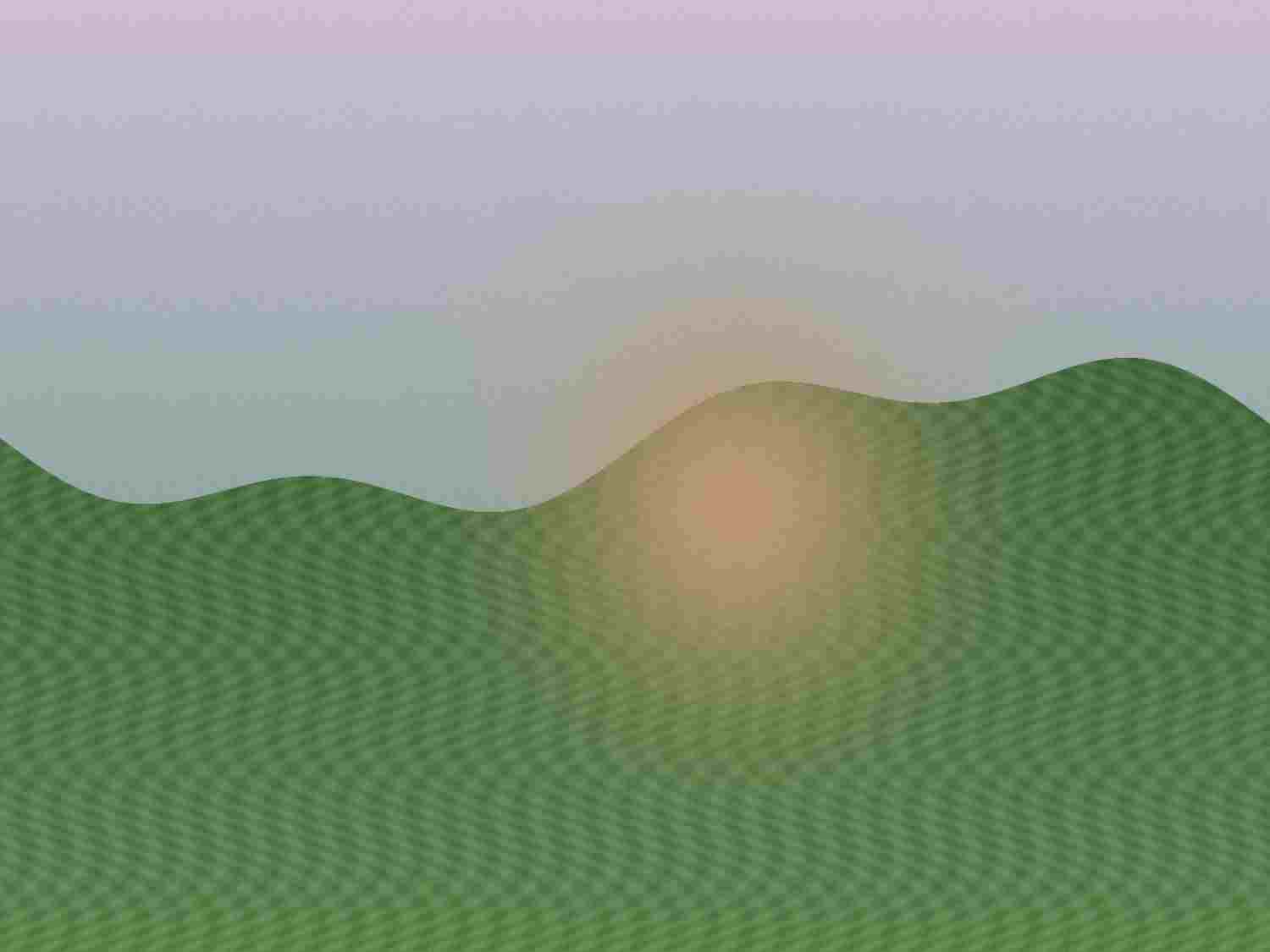
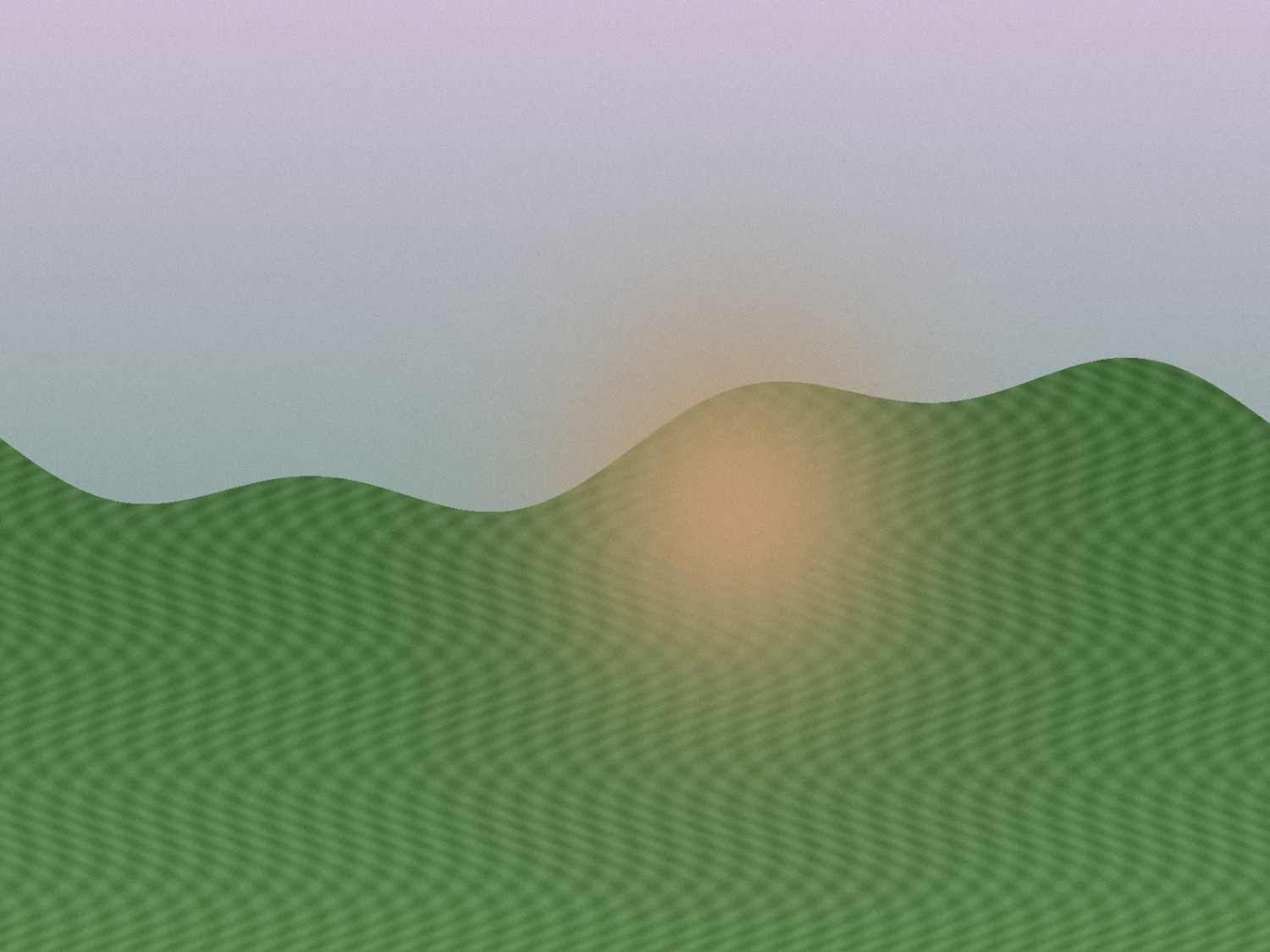
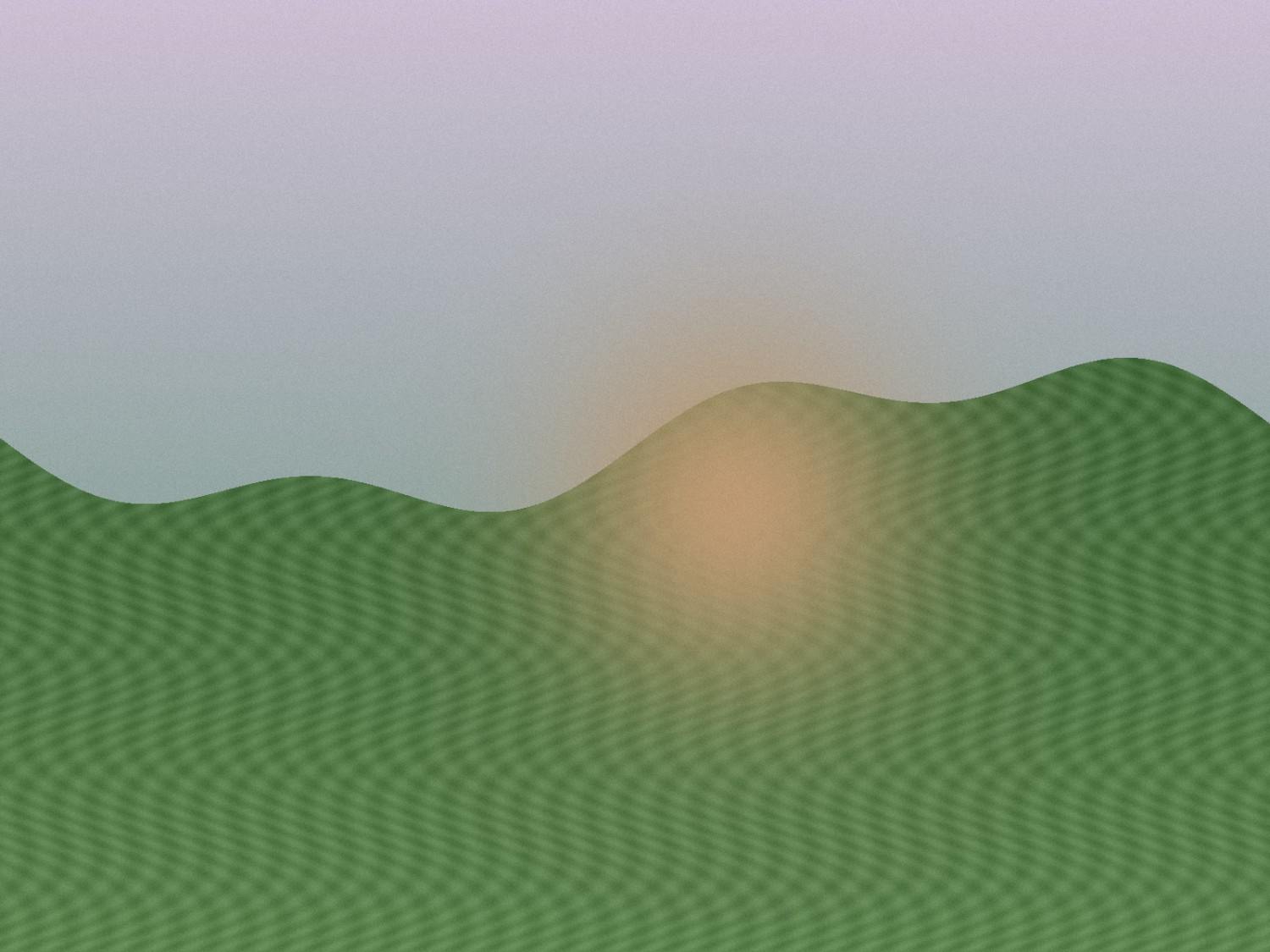
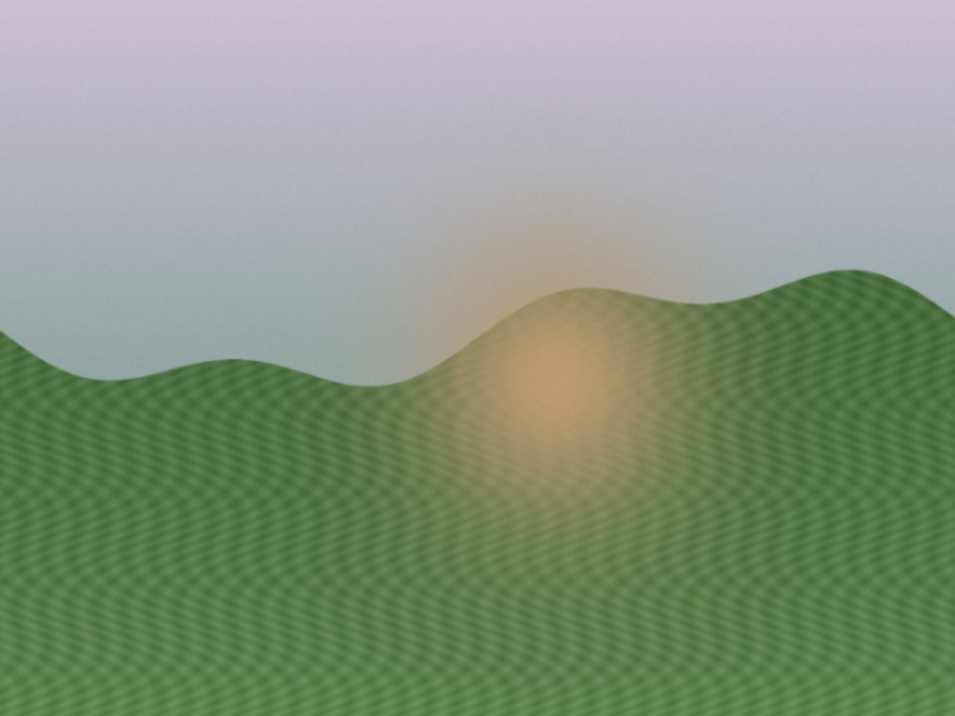
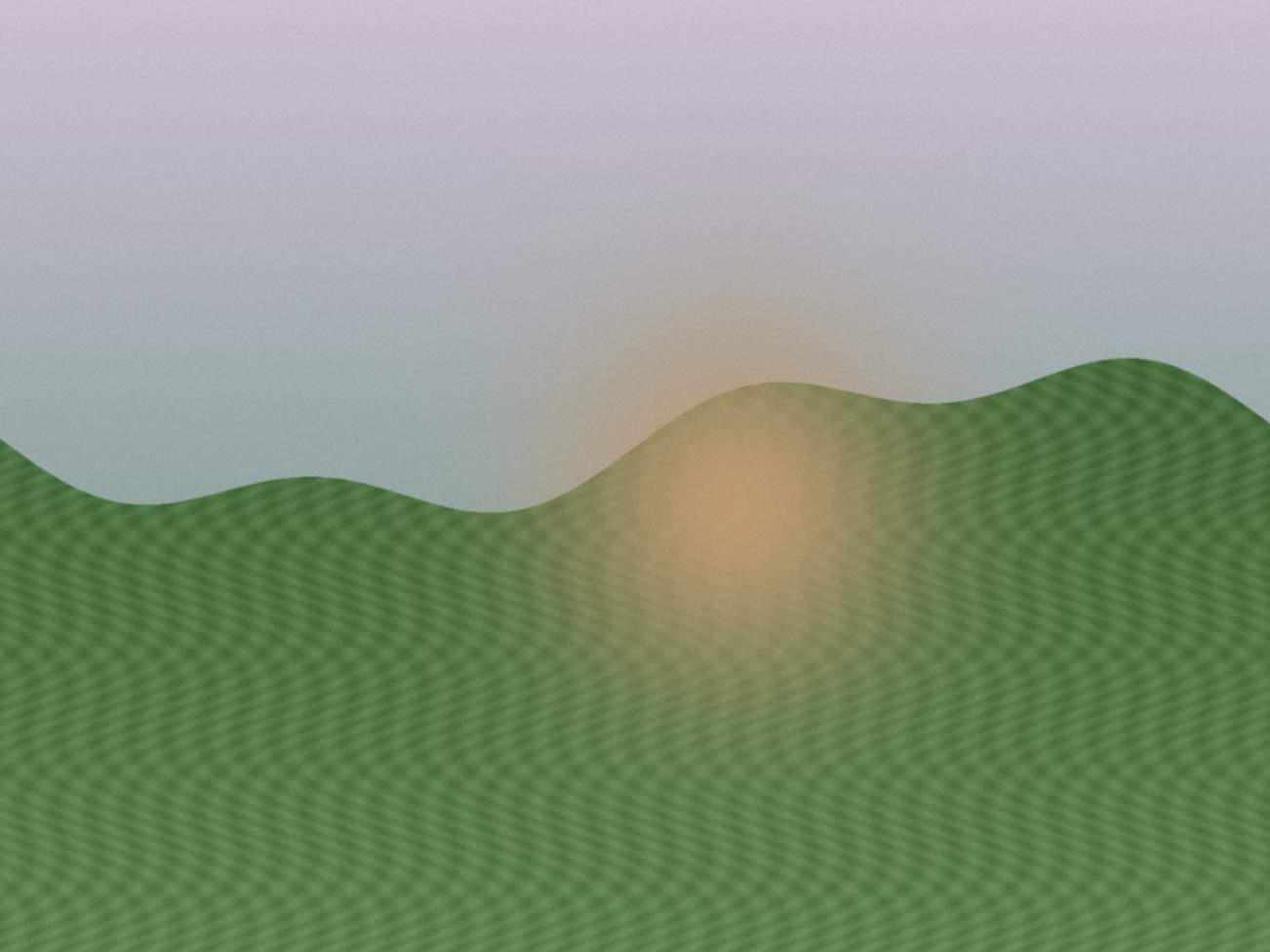
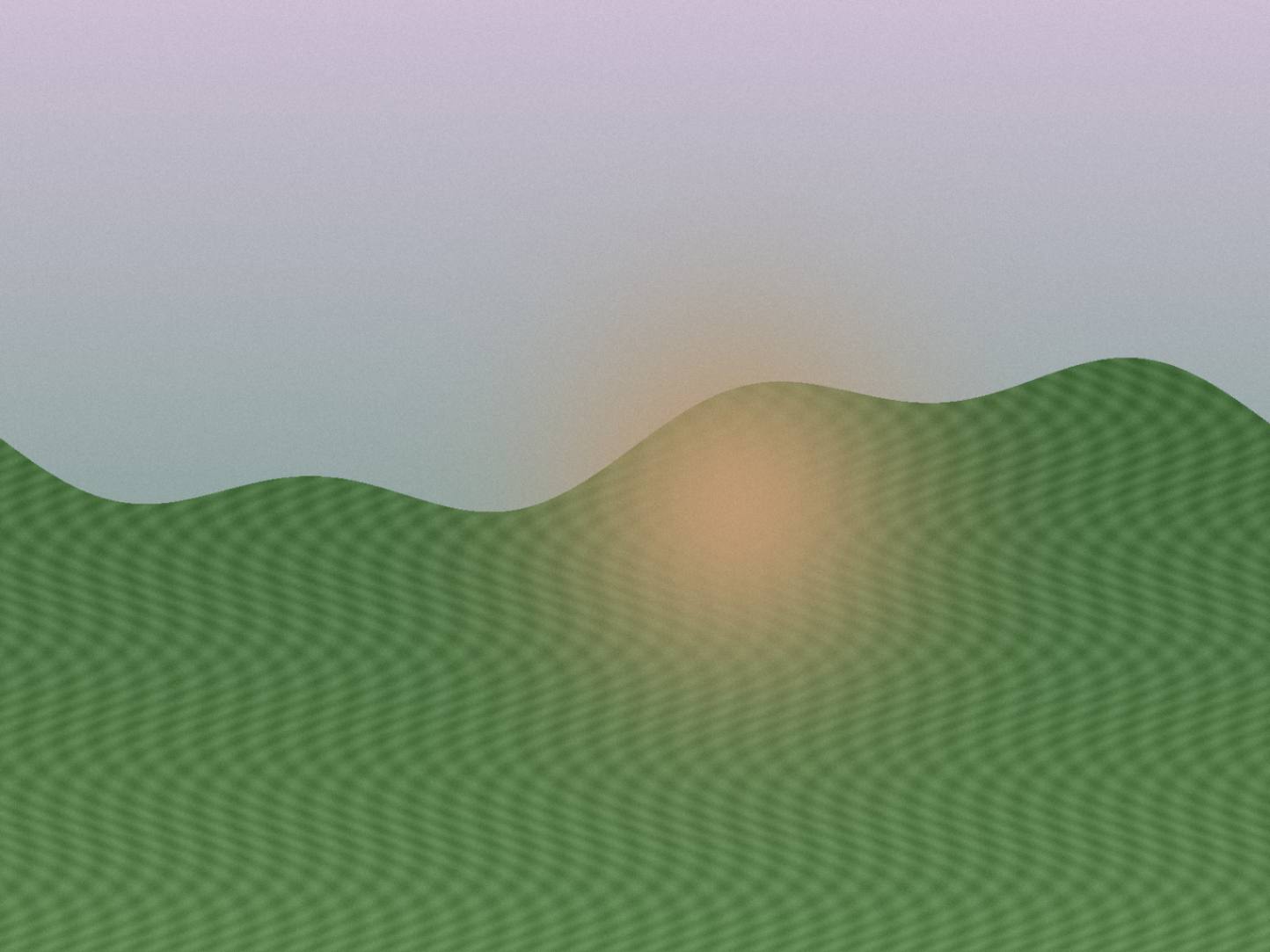
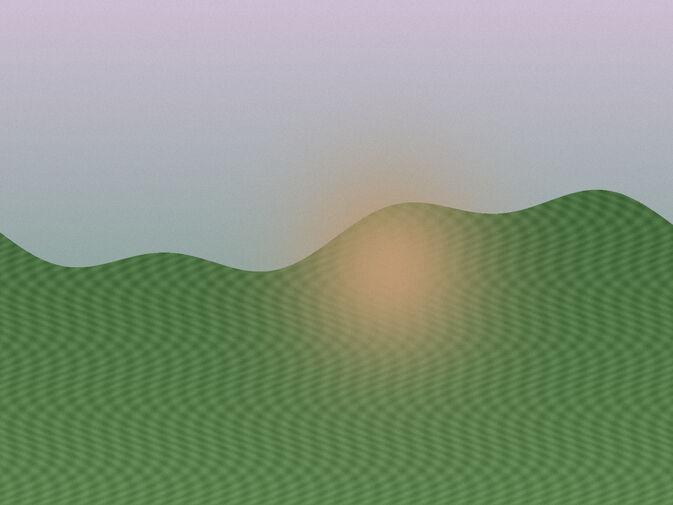
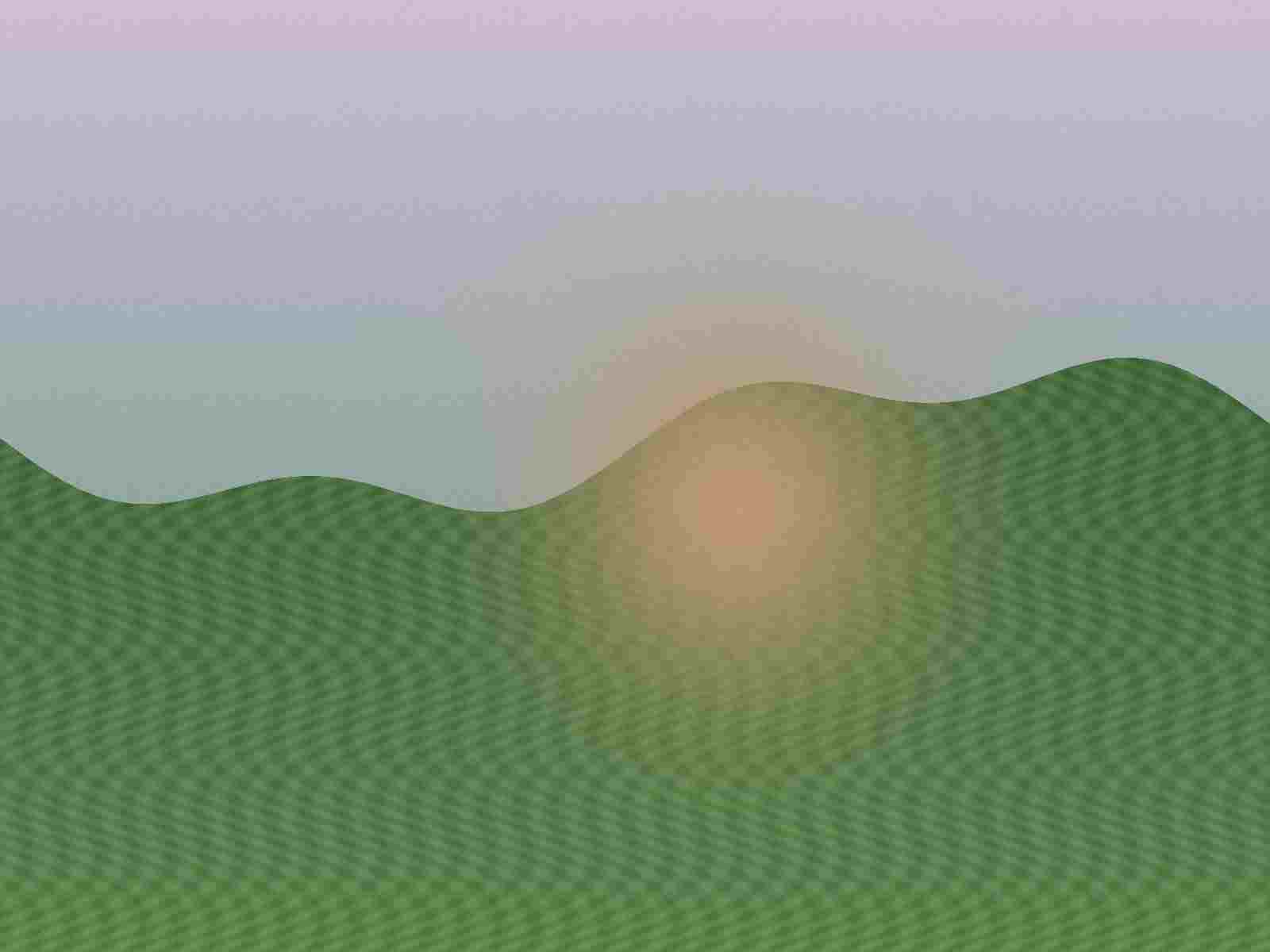
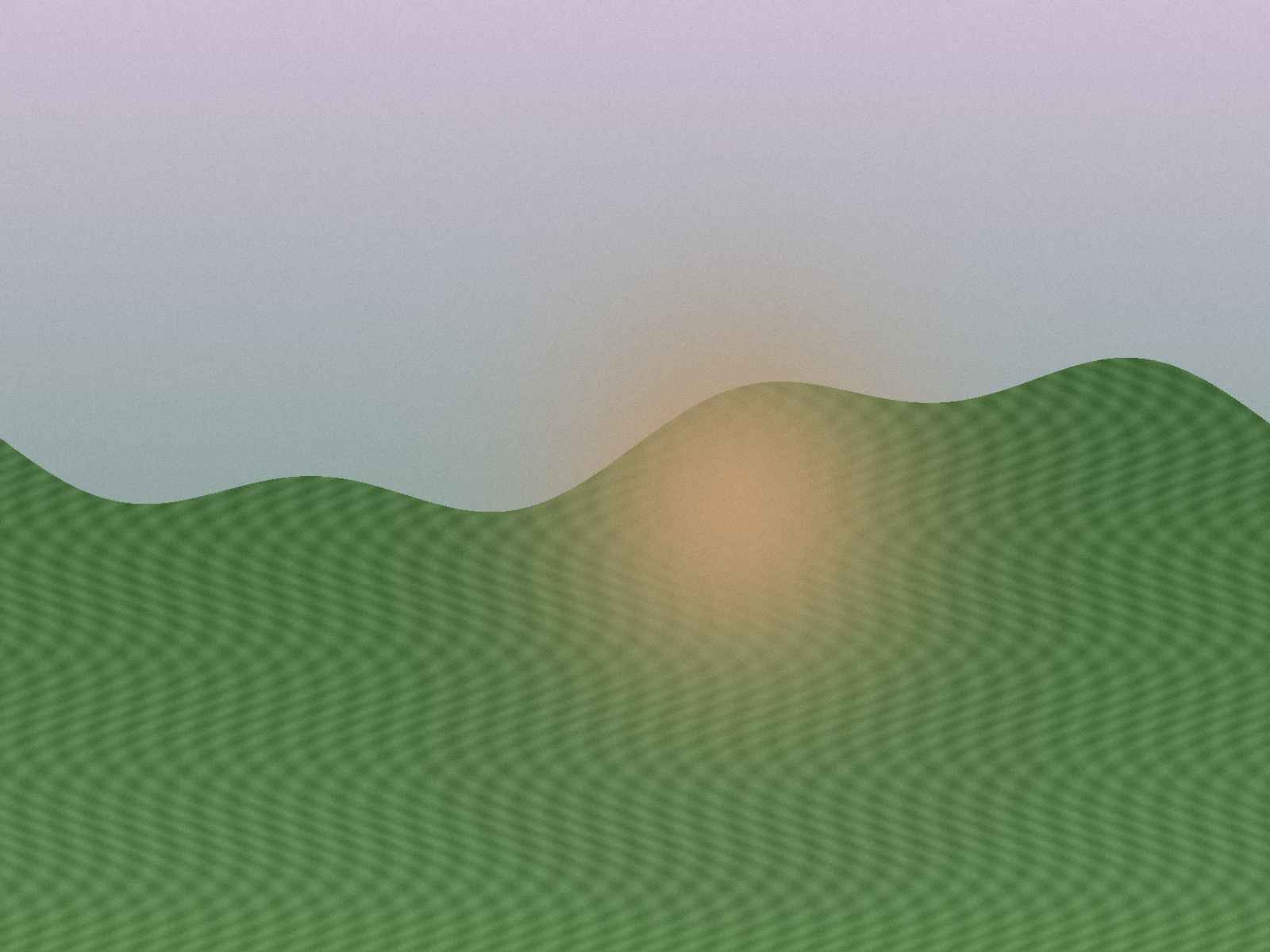
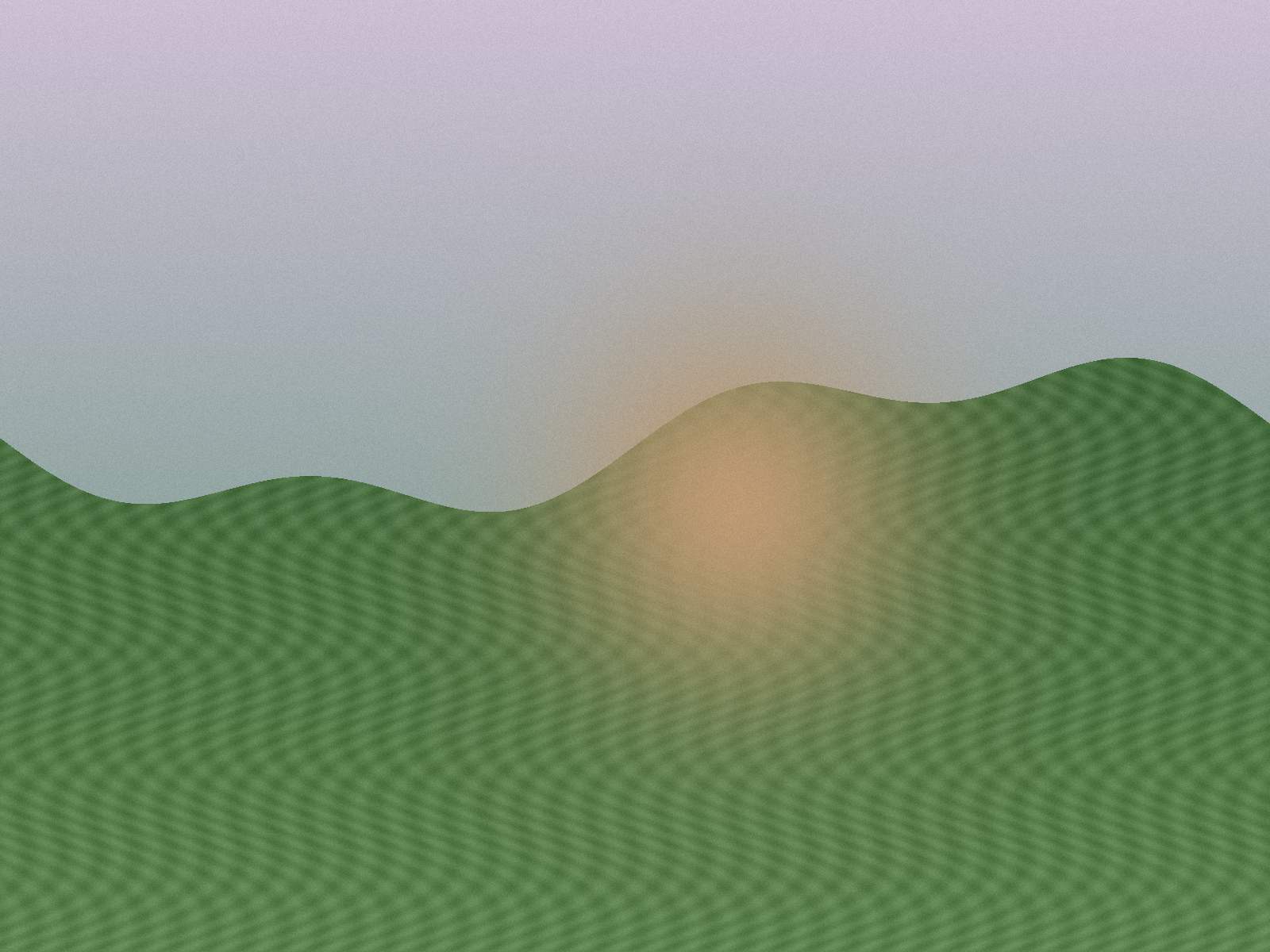
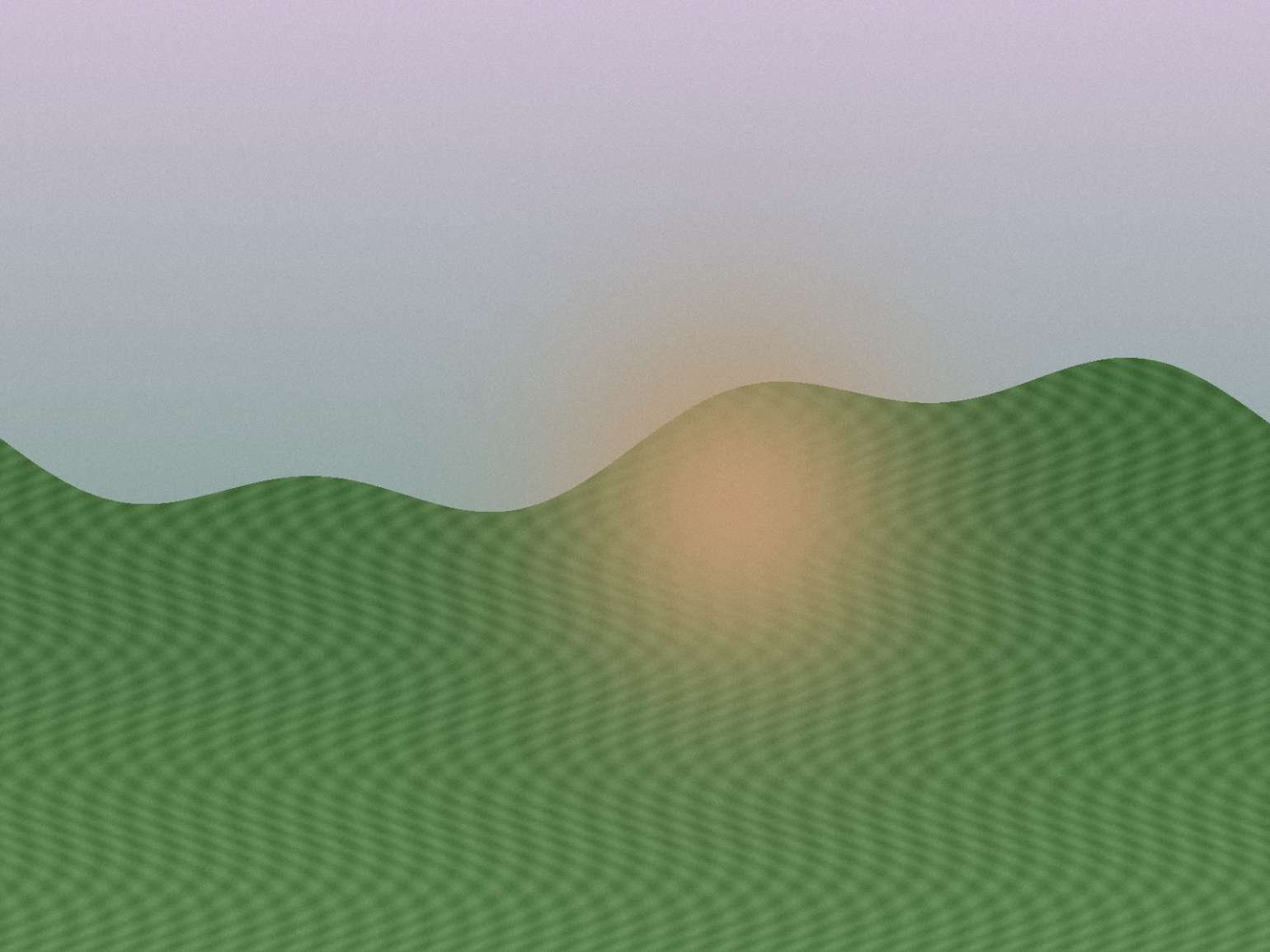
Photo-like JPEG
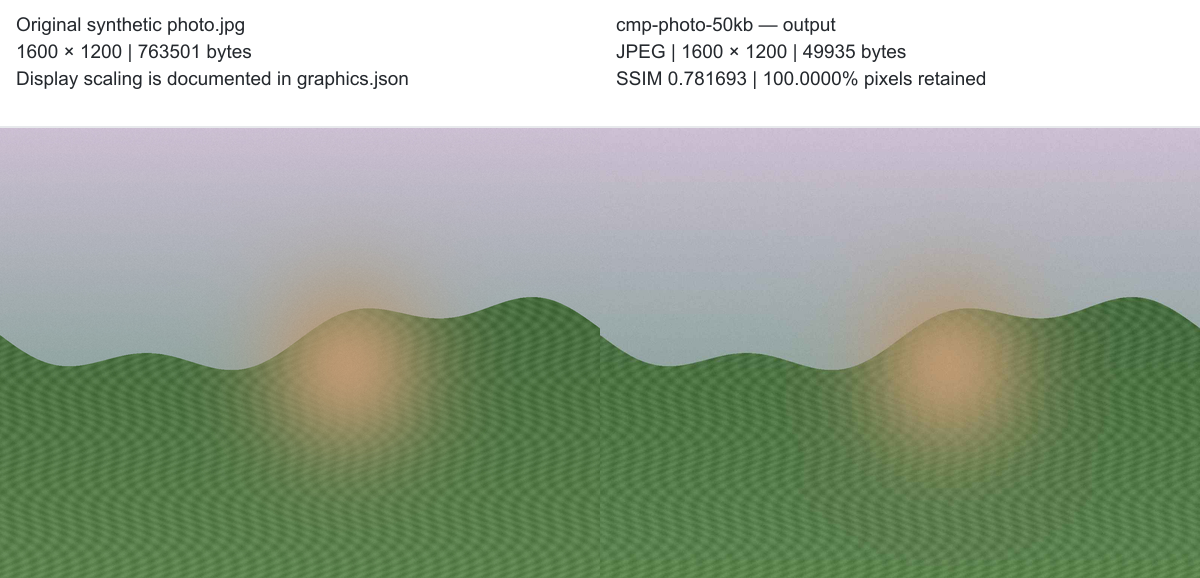
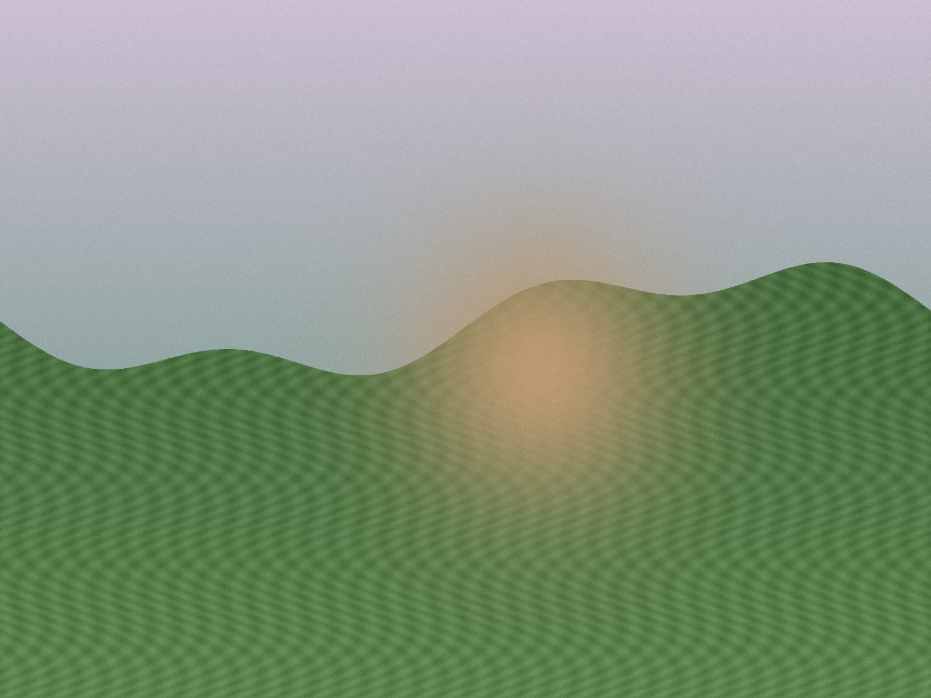
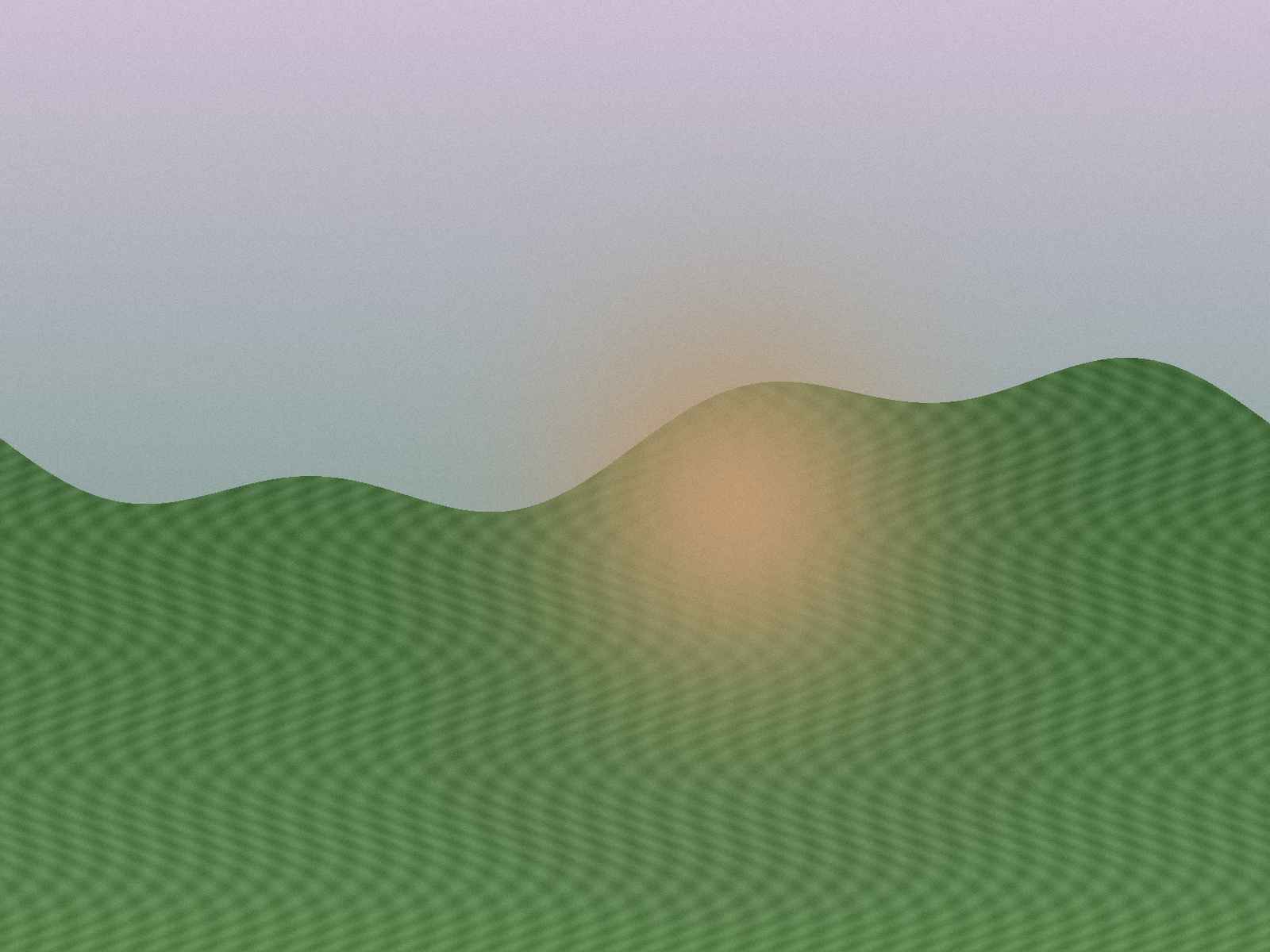
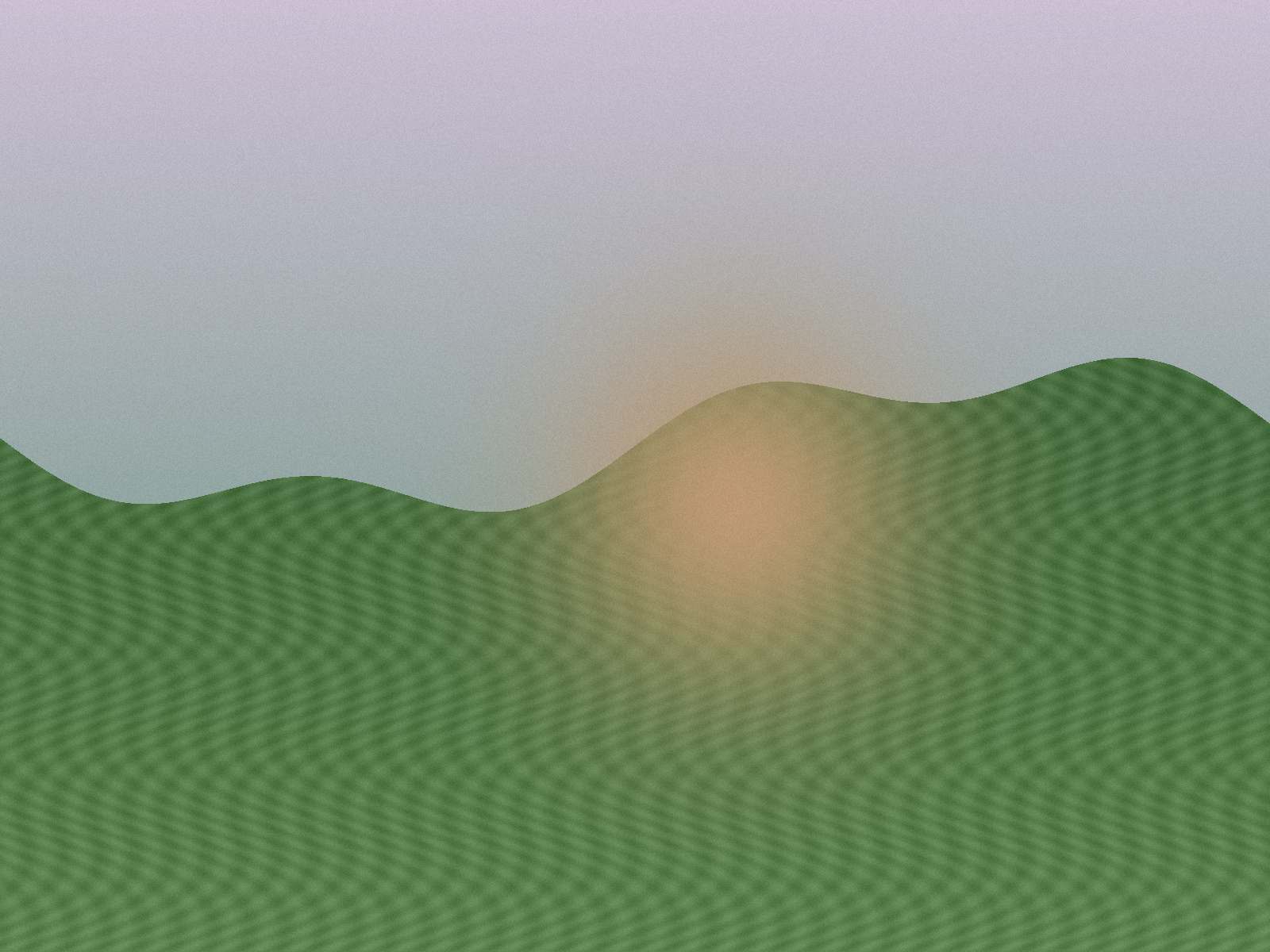
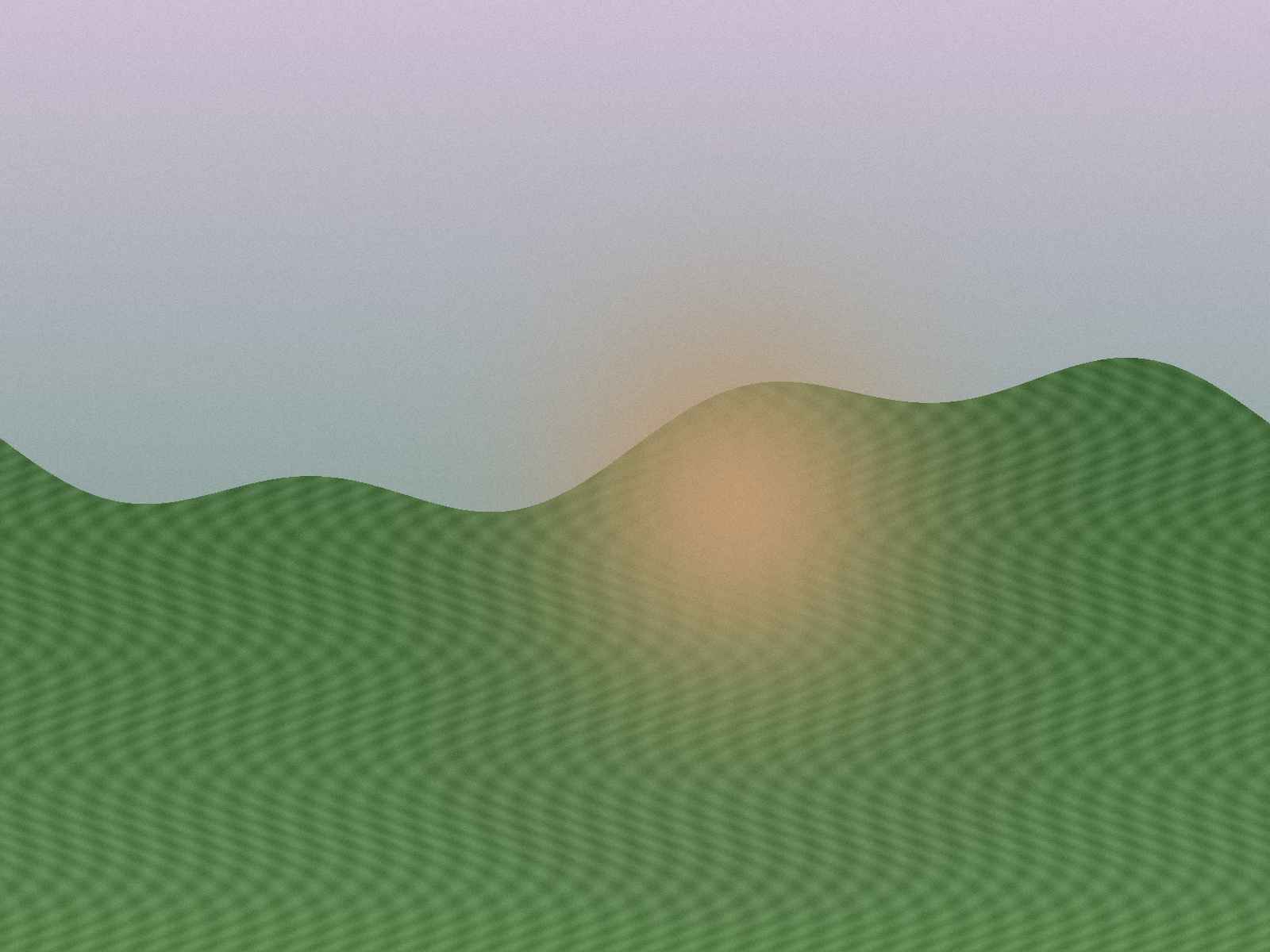
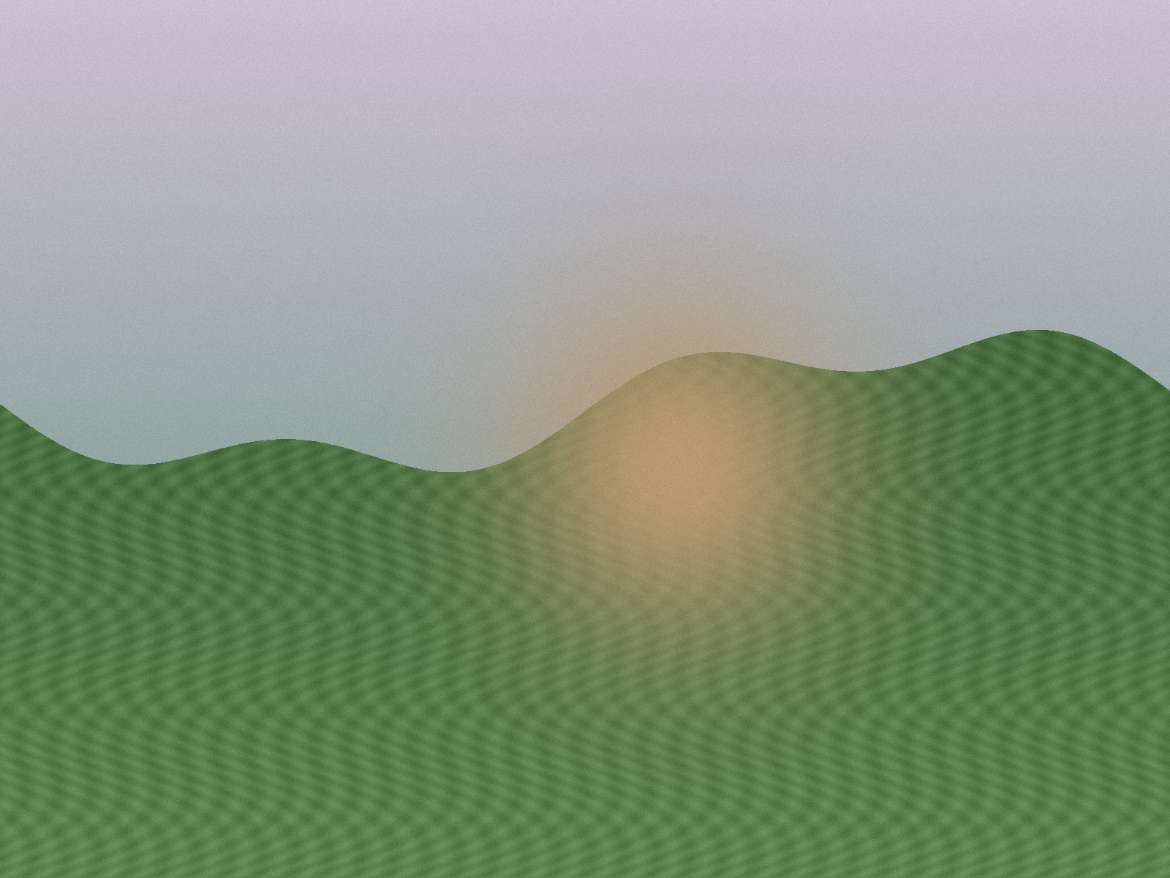
A synthetic photo-like scene with smooth color transitions, moderate detail and seeded grain. It tests a photographic workload without using a private photo.
JPEG · 1600 × 1200 · 763,501 bytes
Download original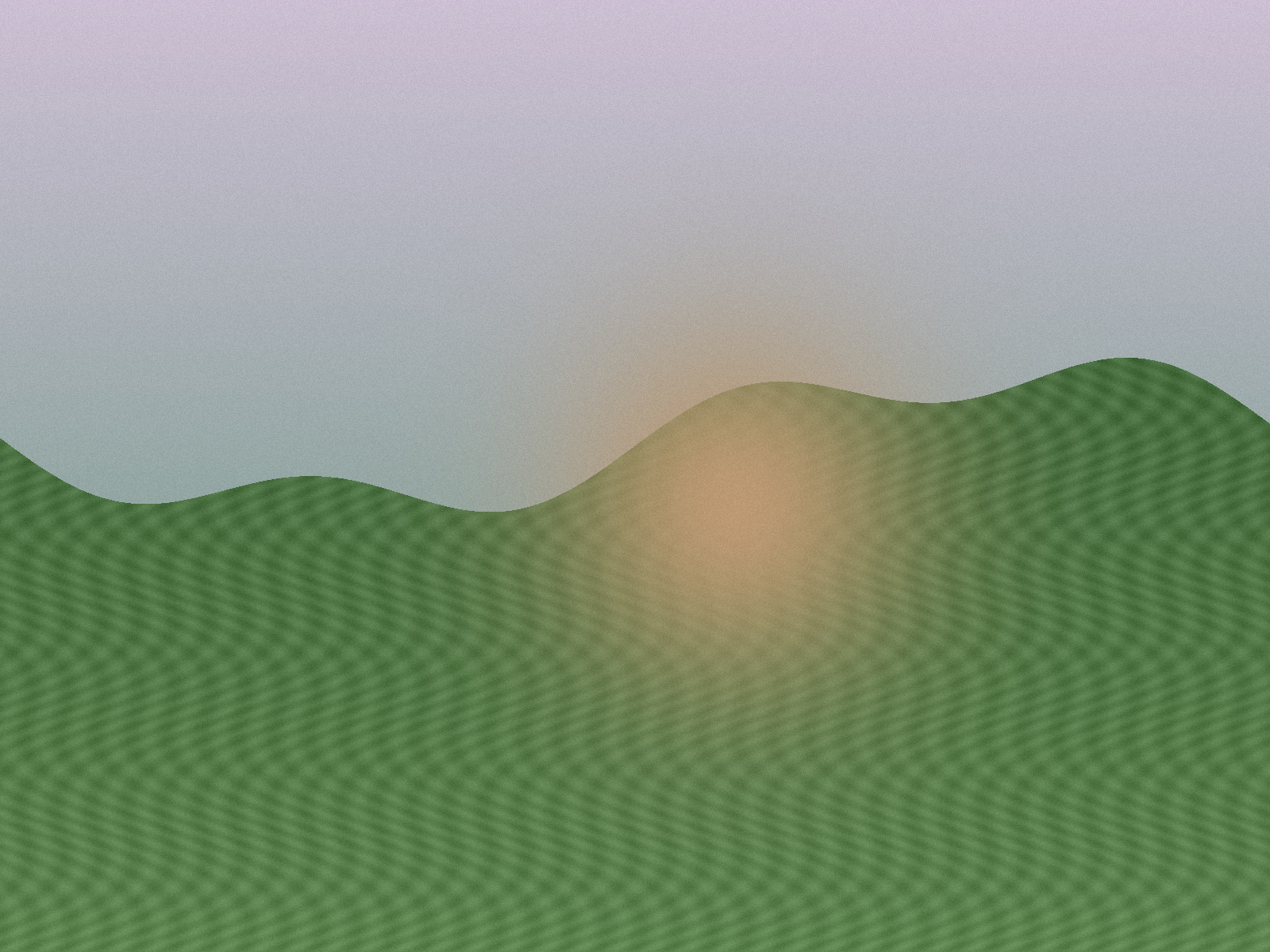
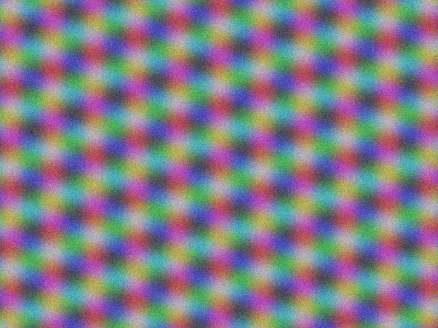
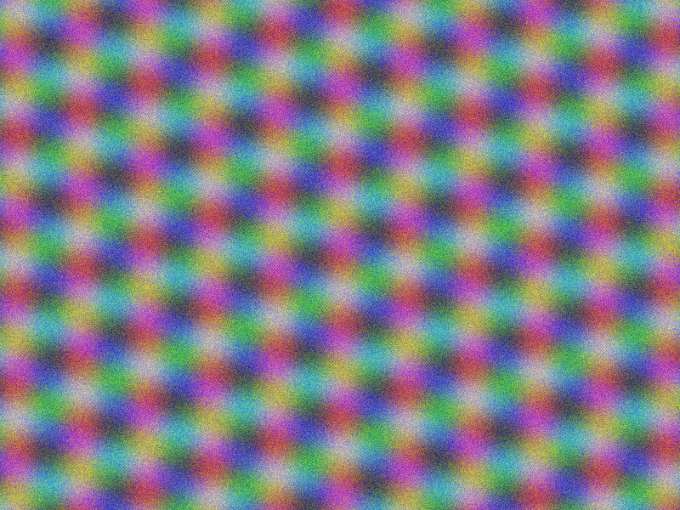
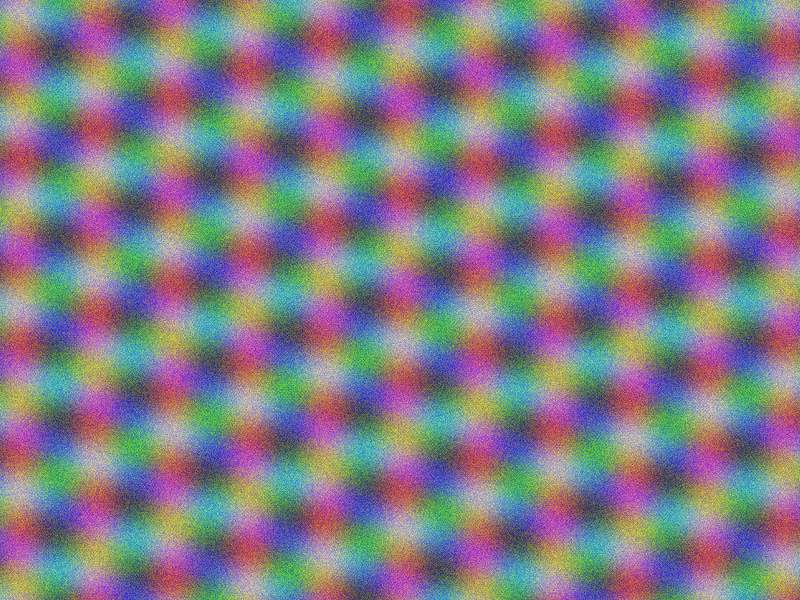
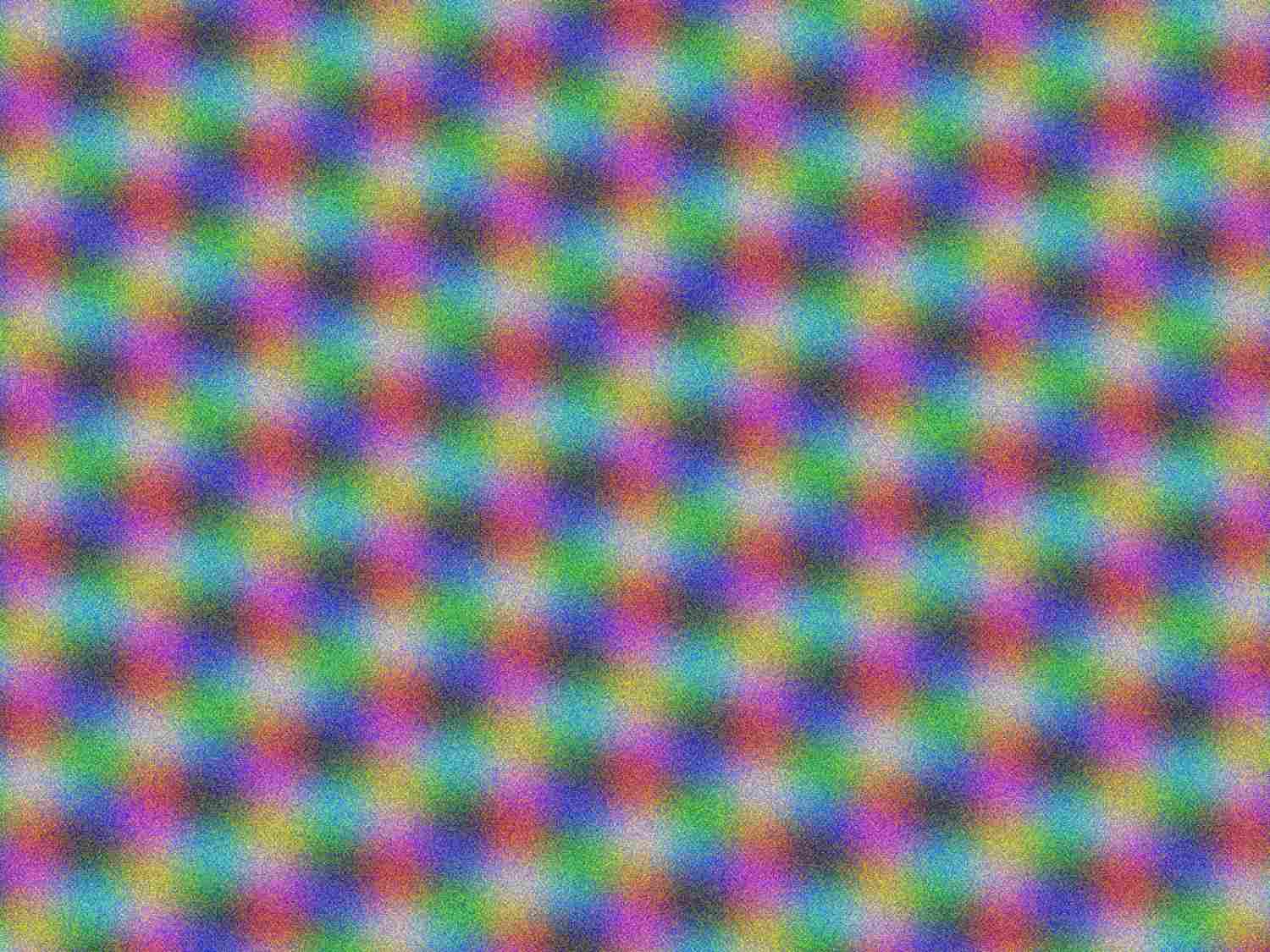
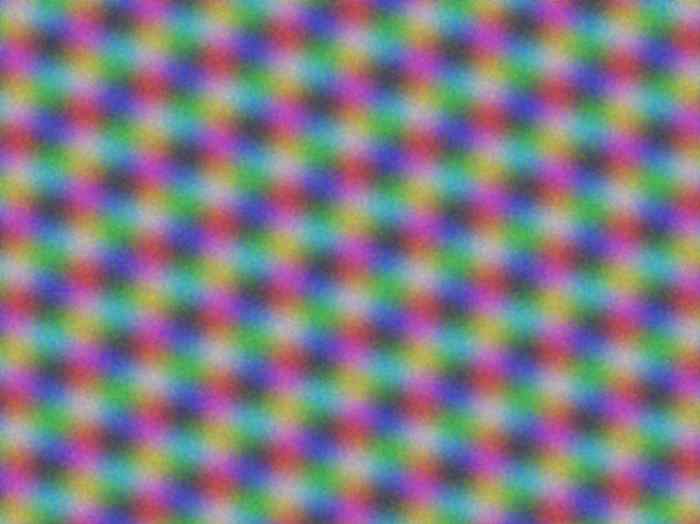
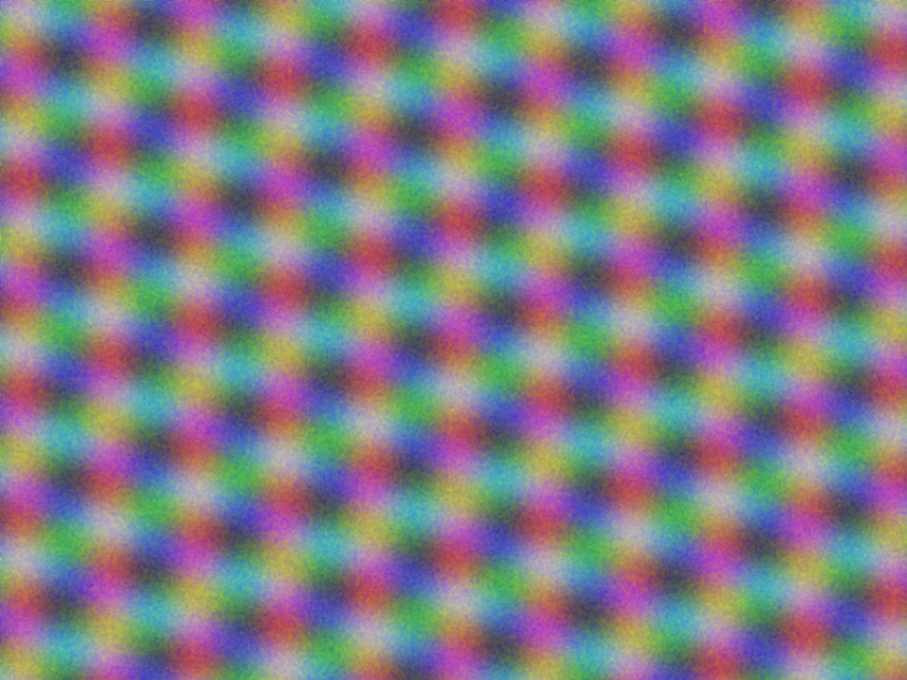
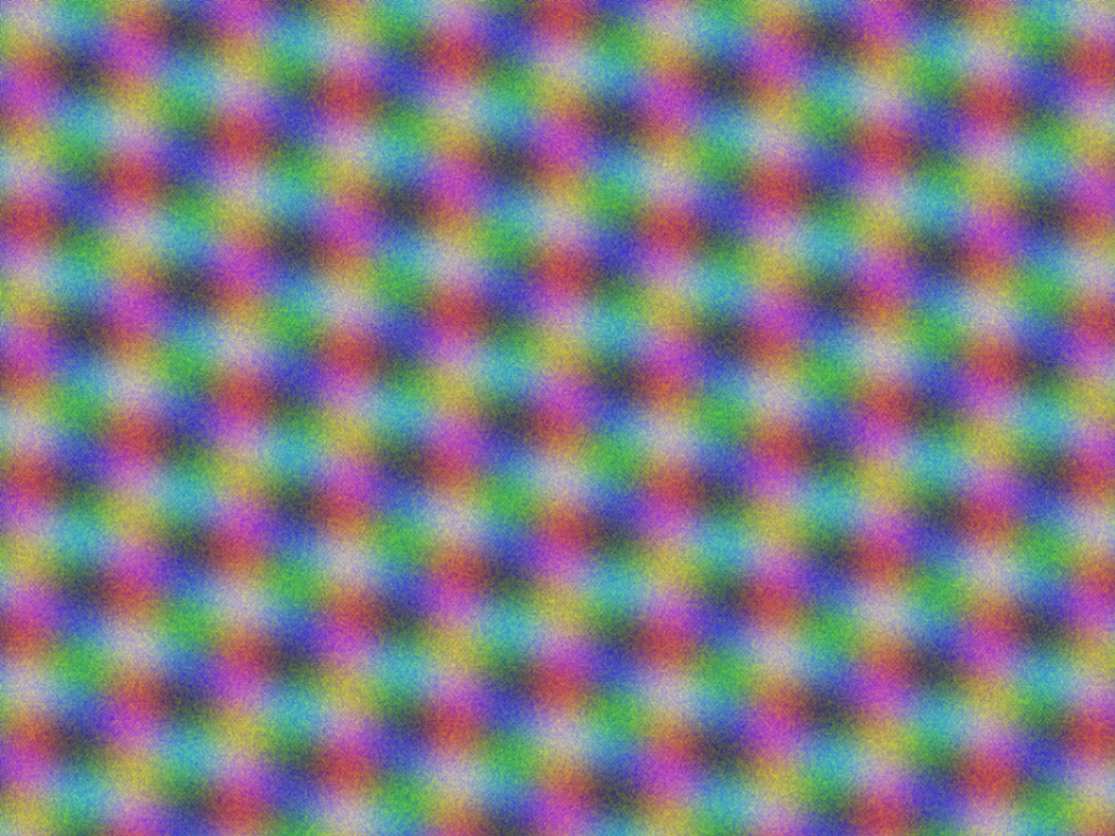
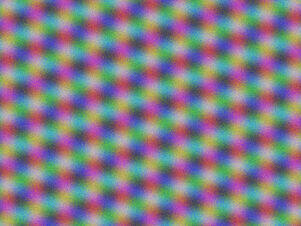
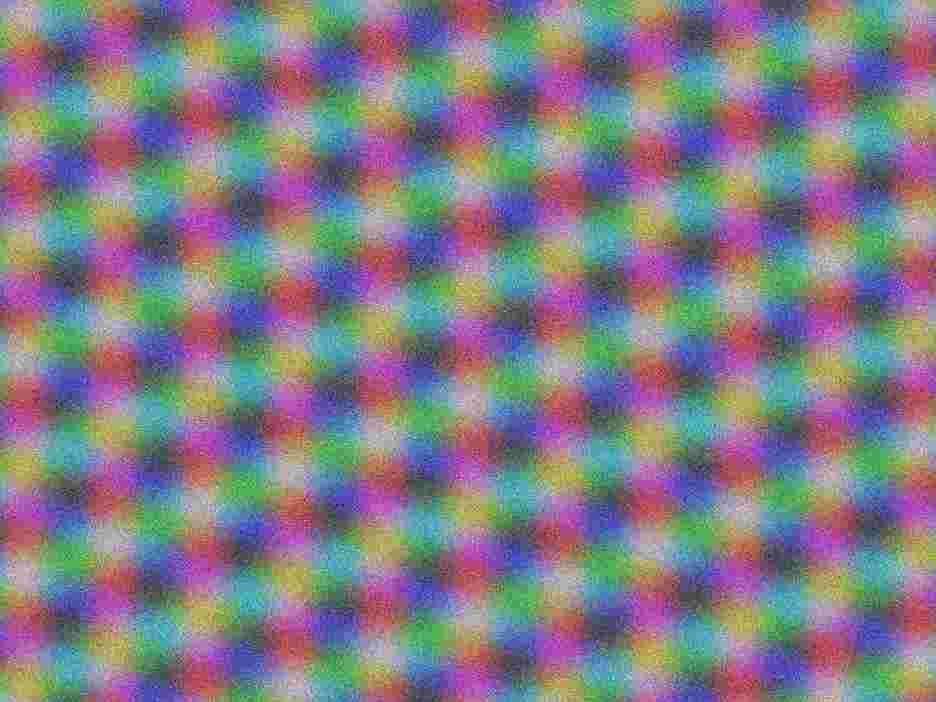
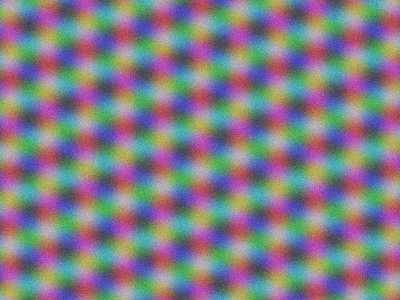
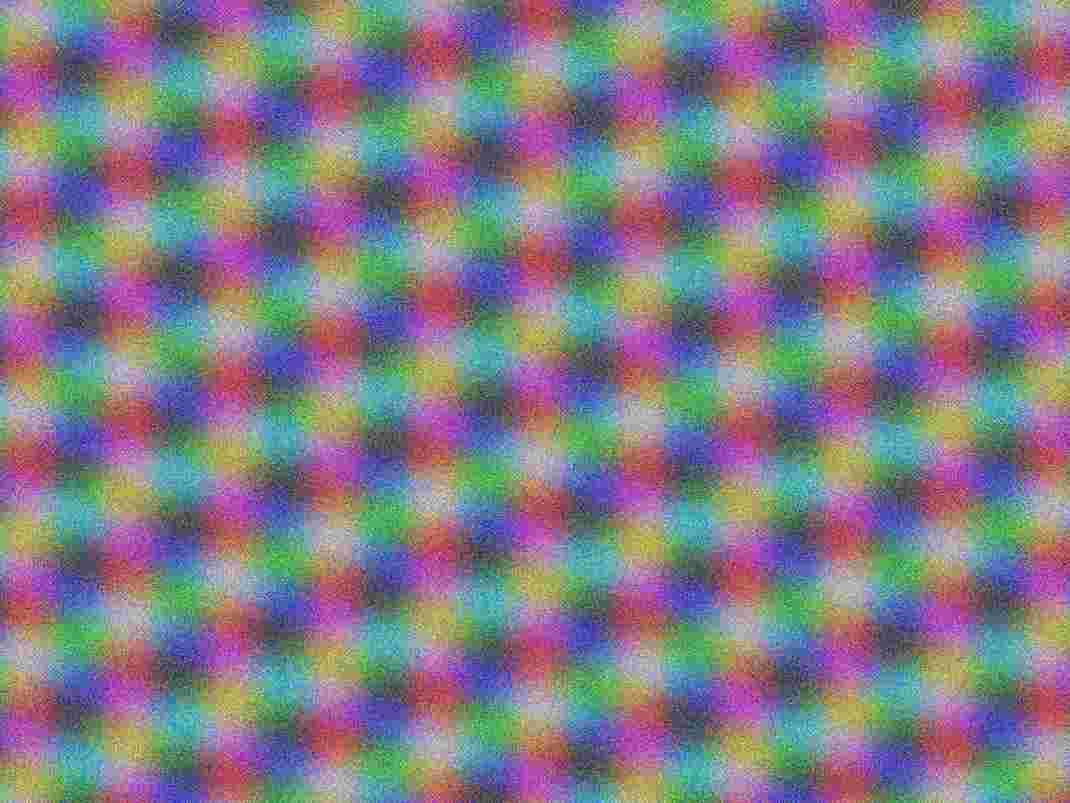
Texture JPEG
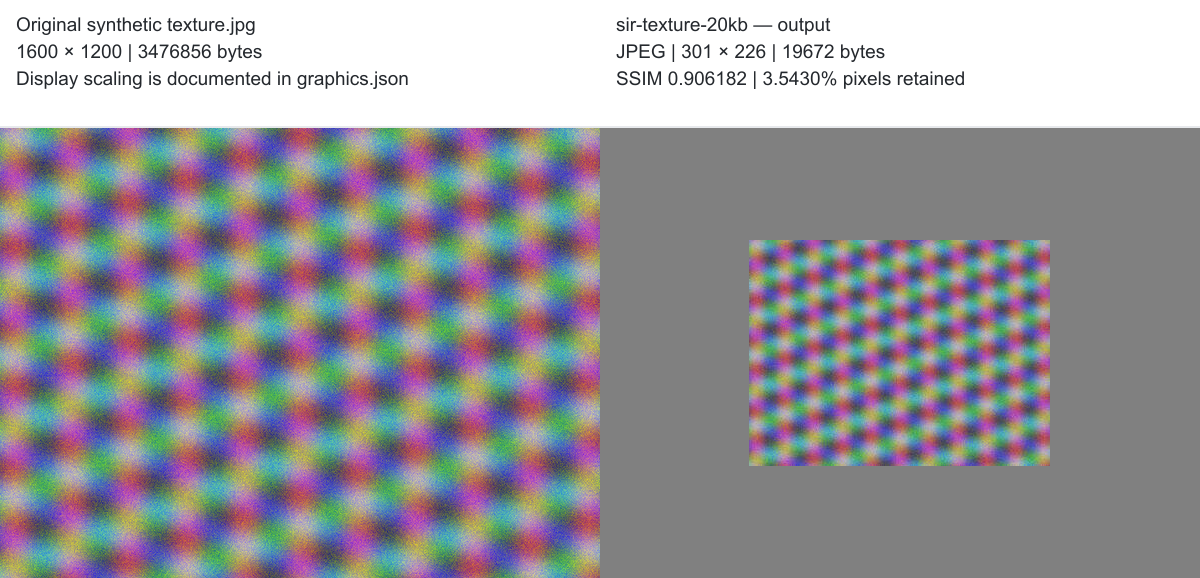
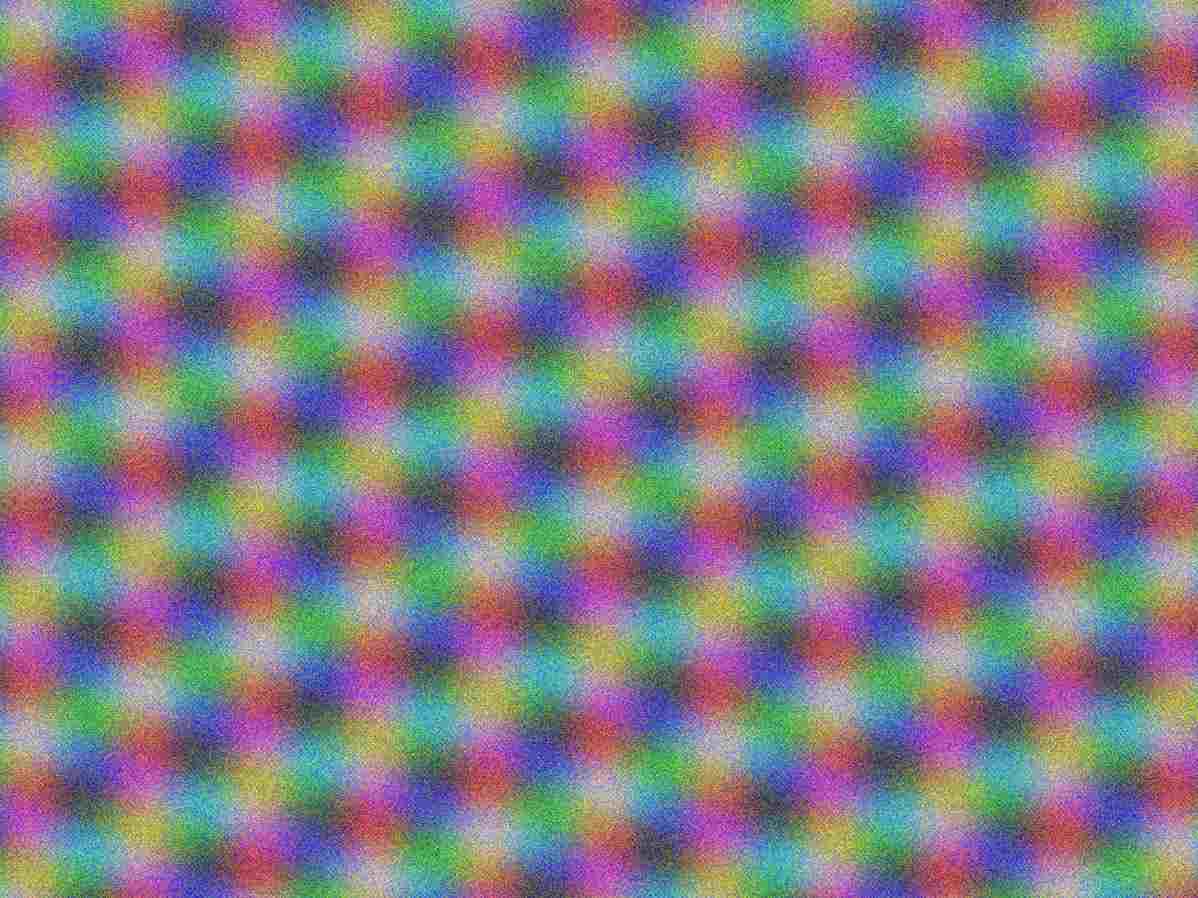
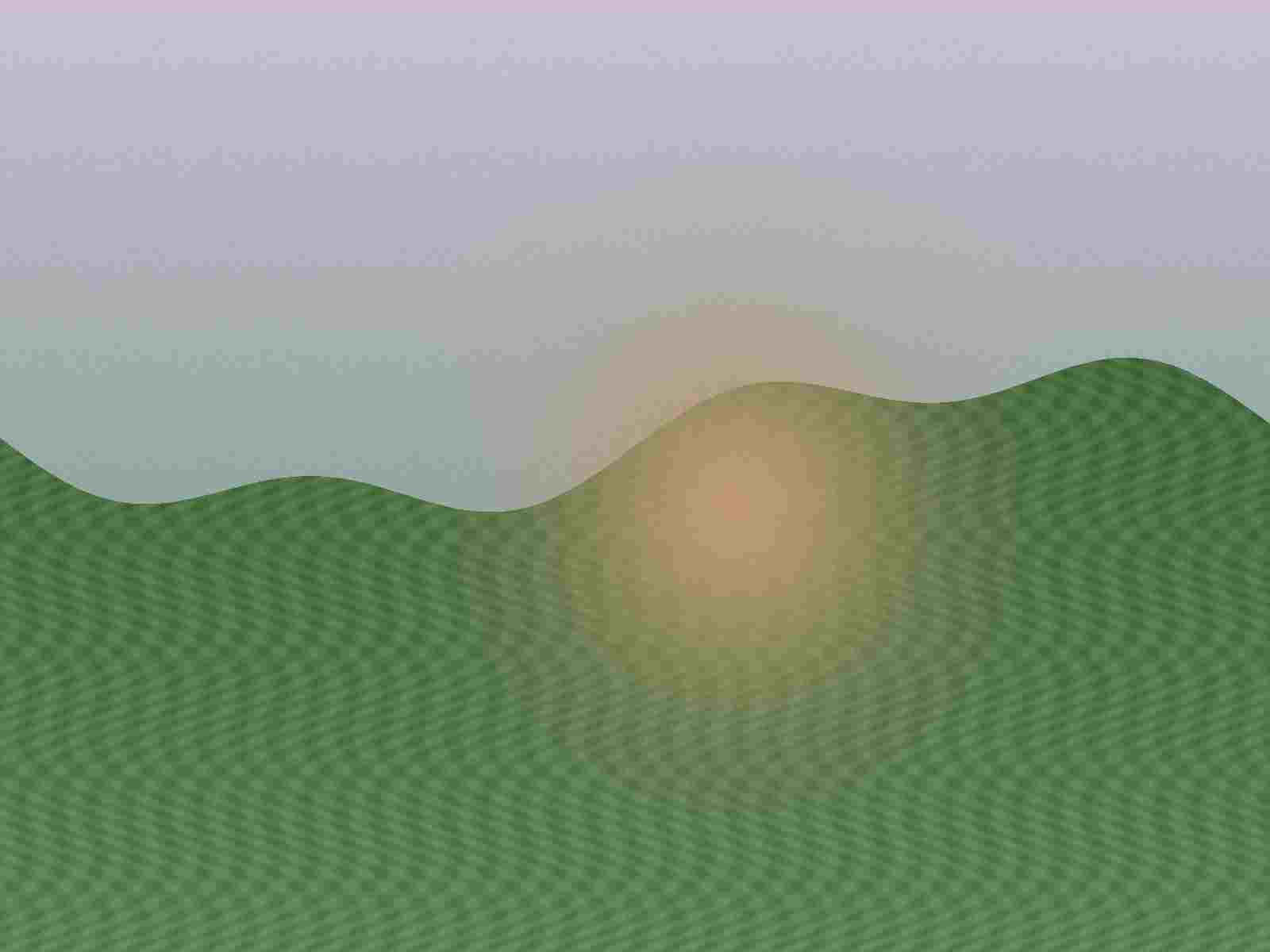
Dense, repeated color texture and high-frequency detail. It makes dimension reduction and fine-detail loss visible.
JPEG · 1600 × 1200 · 3,476,856 bytes
Download original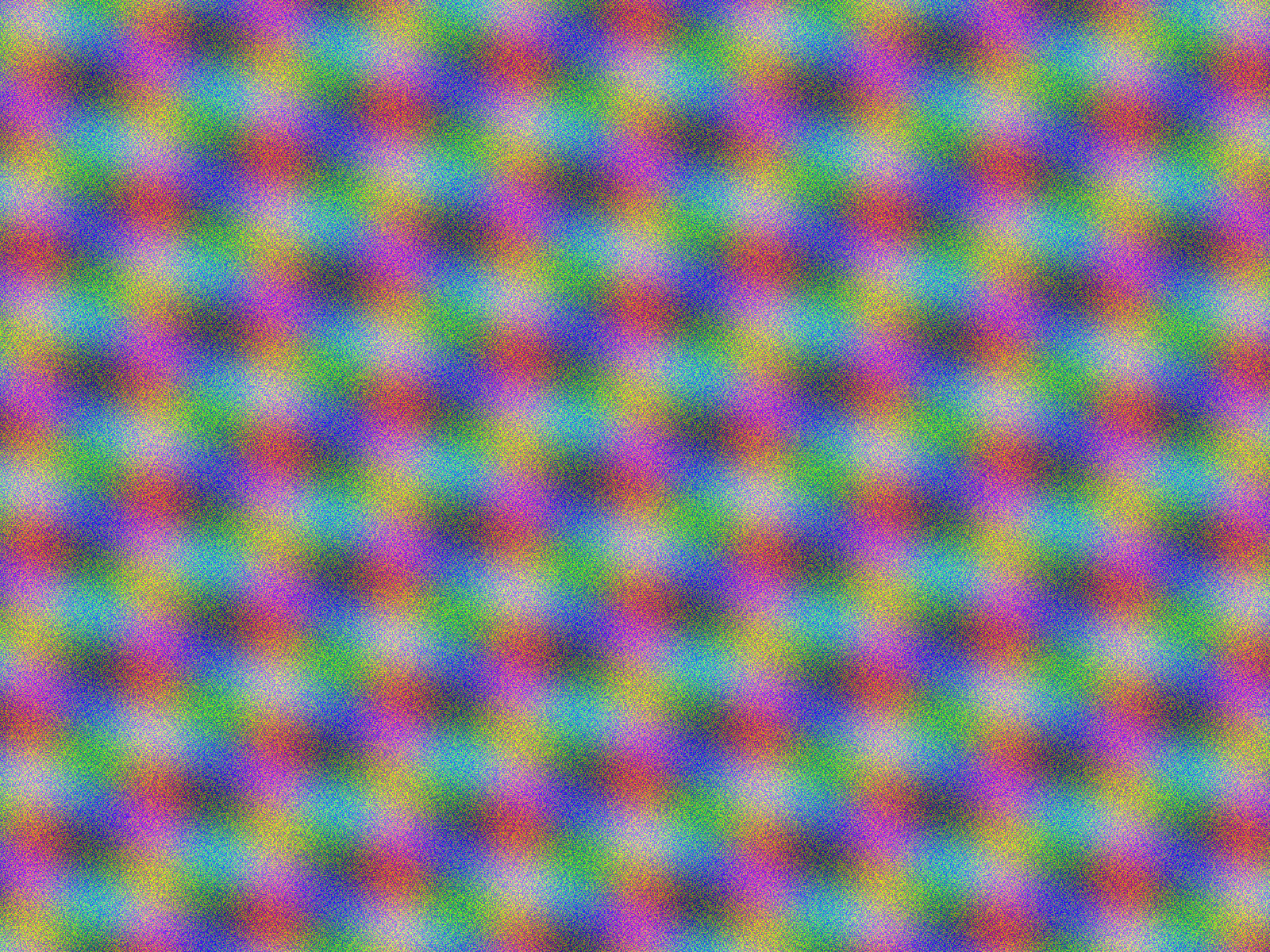
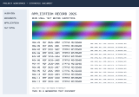
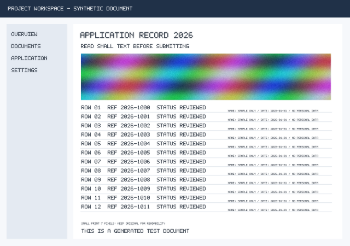
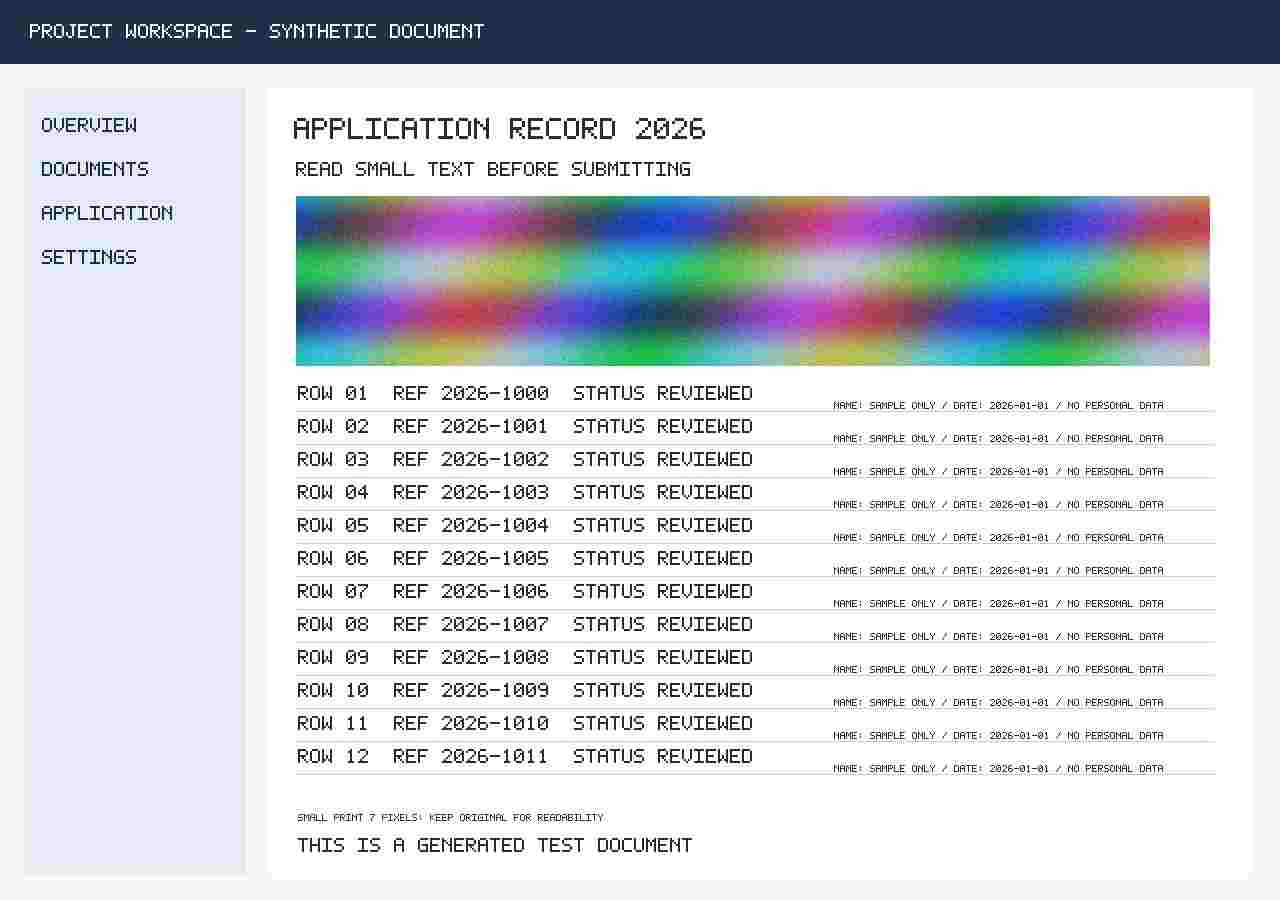
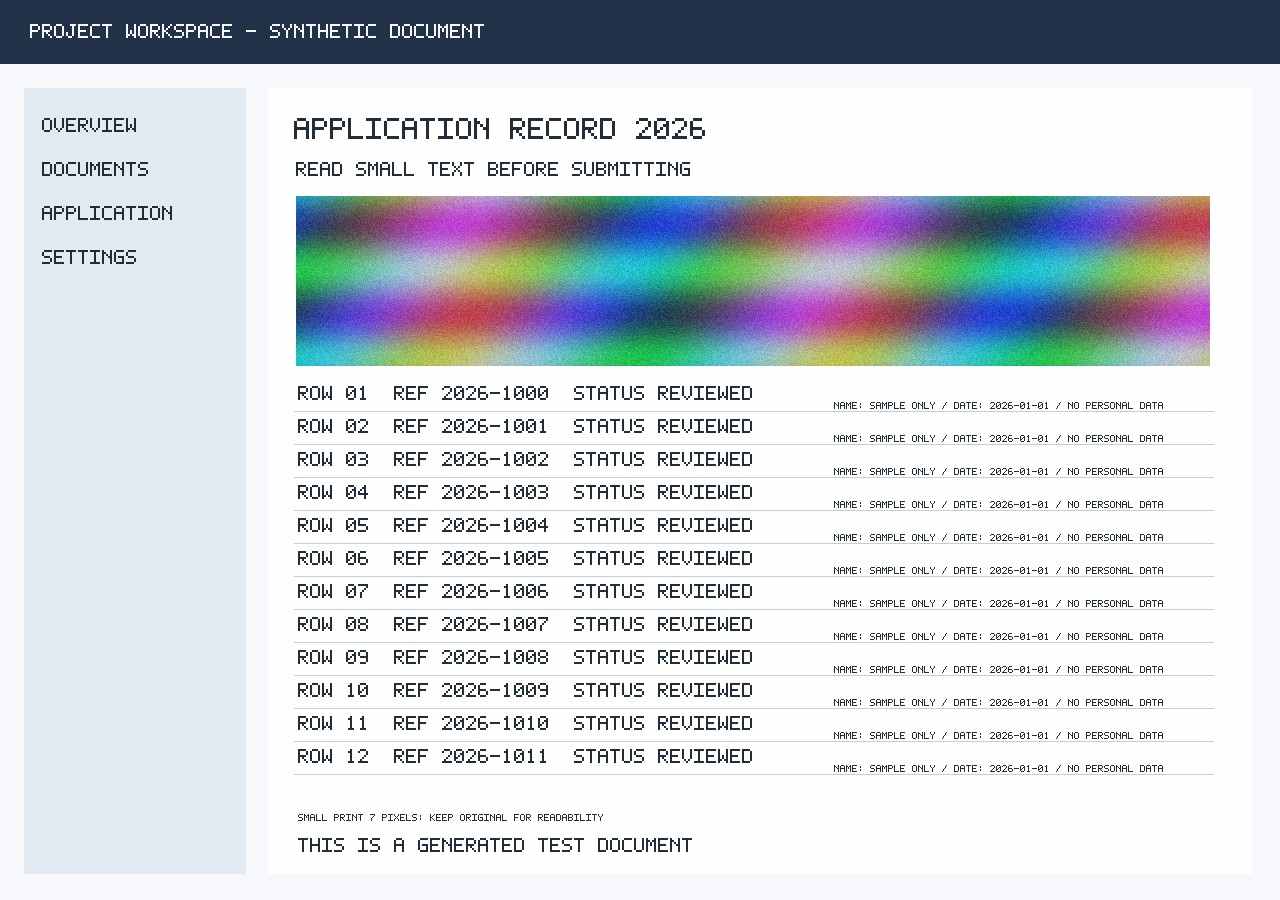
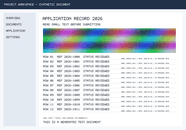
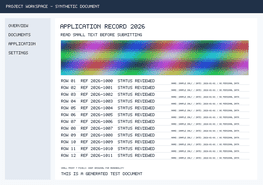
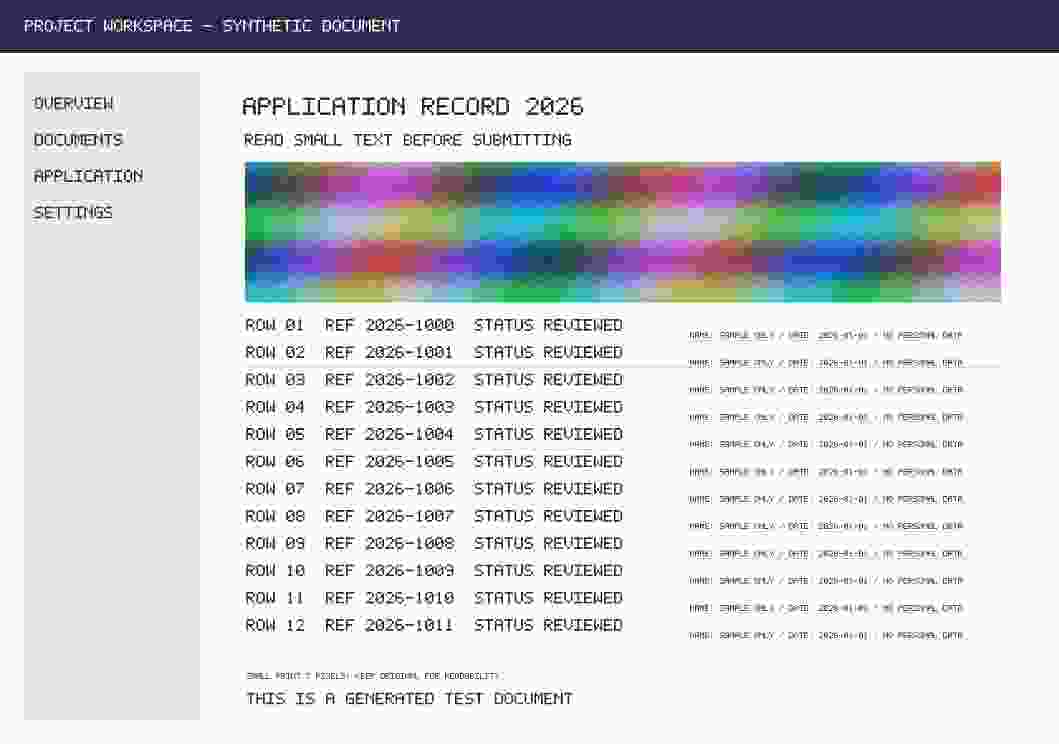
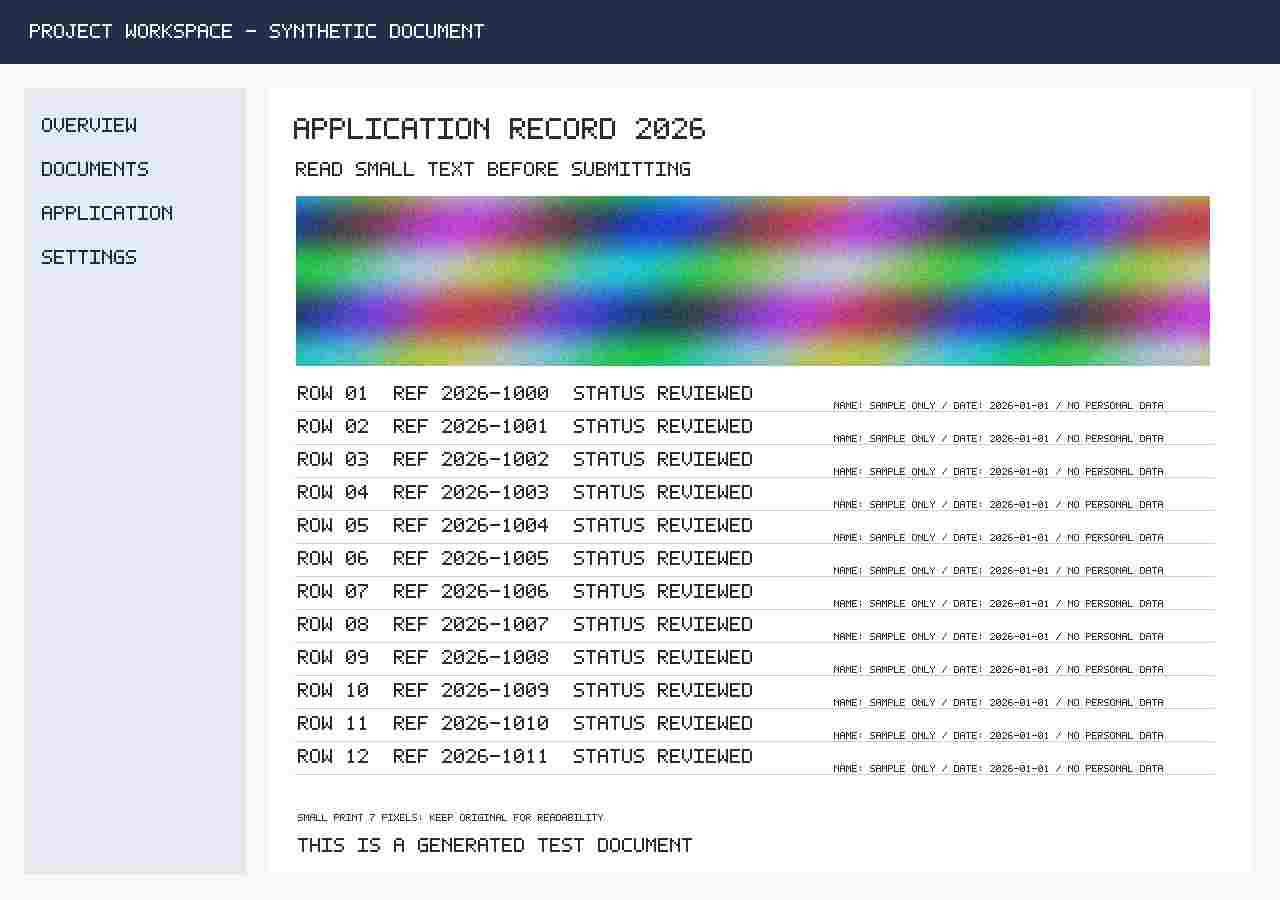
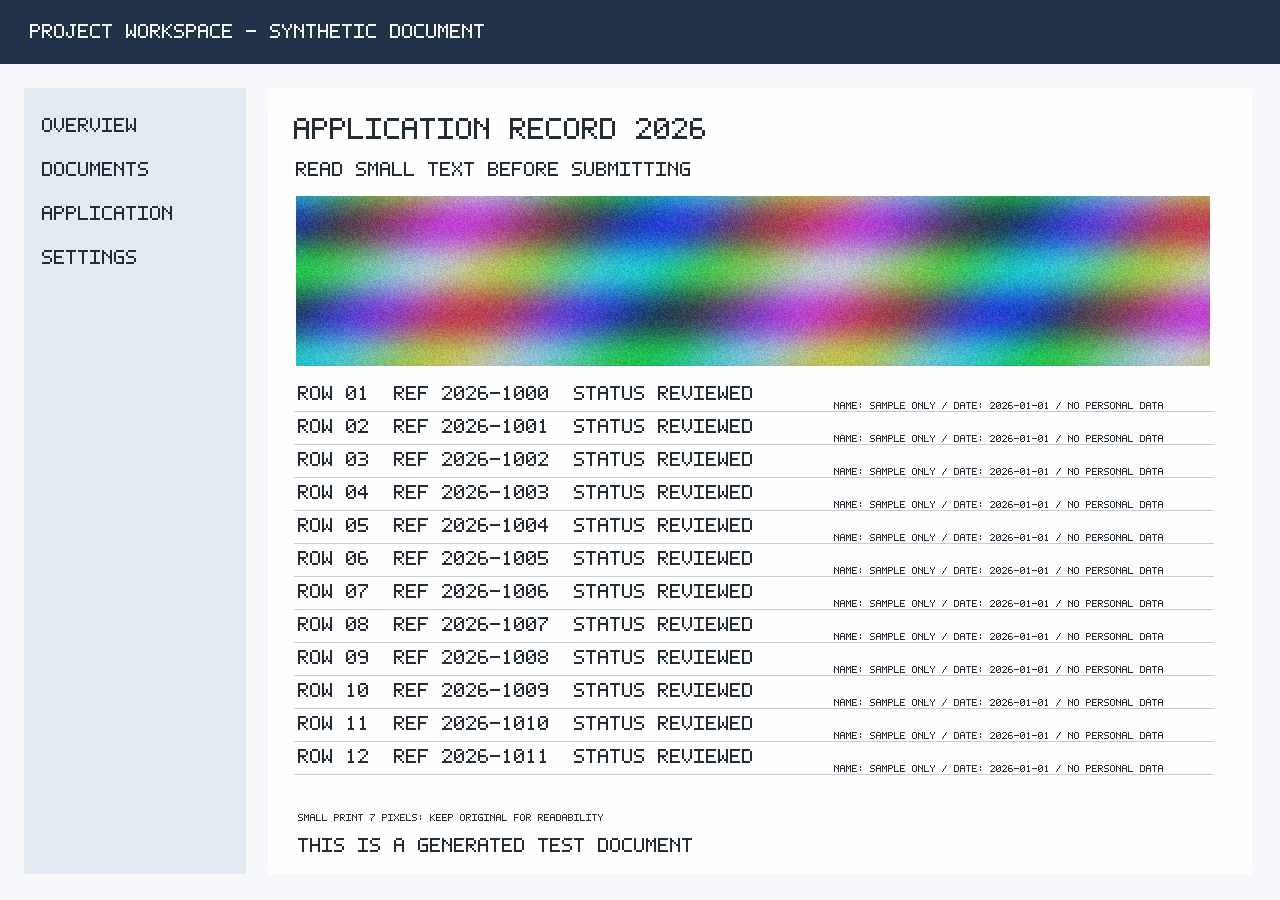
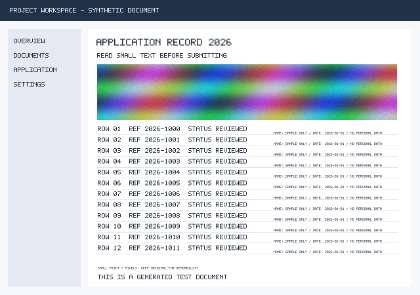
Document / UI PNG
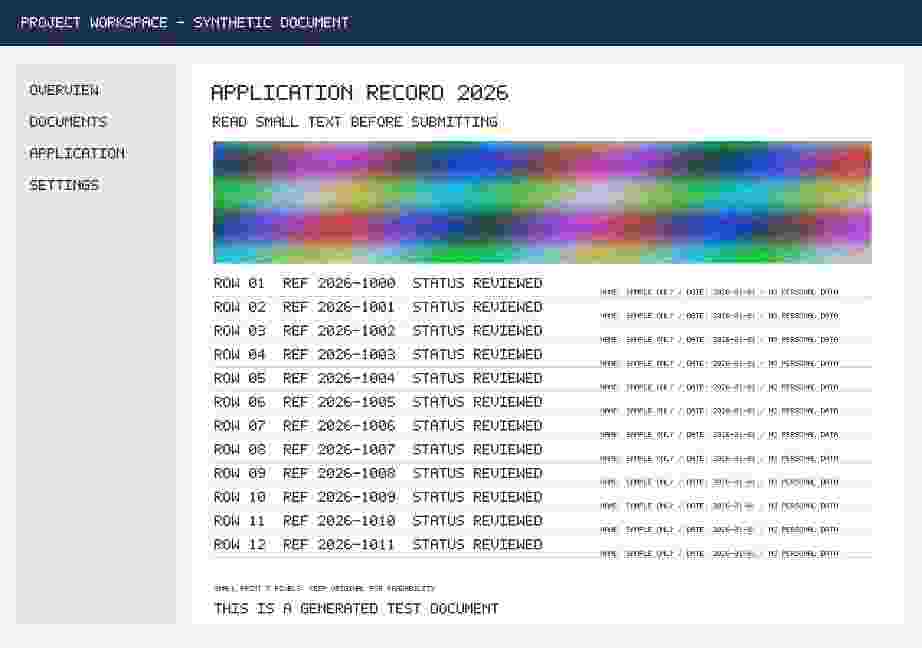
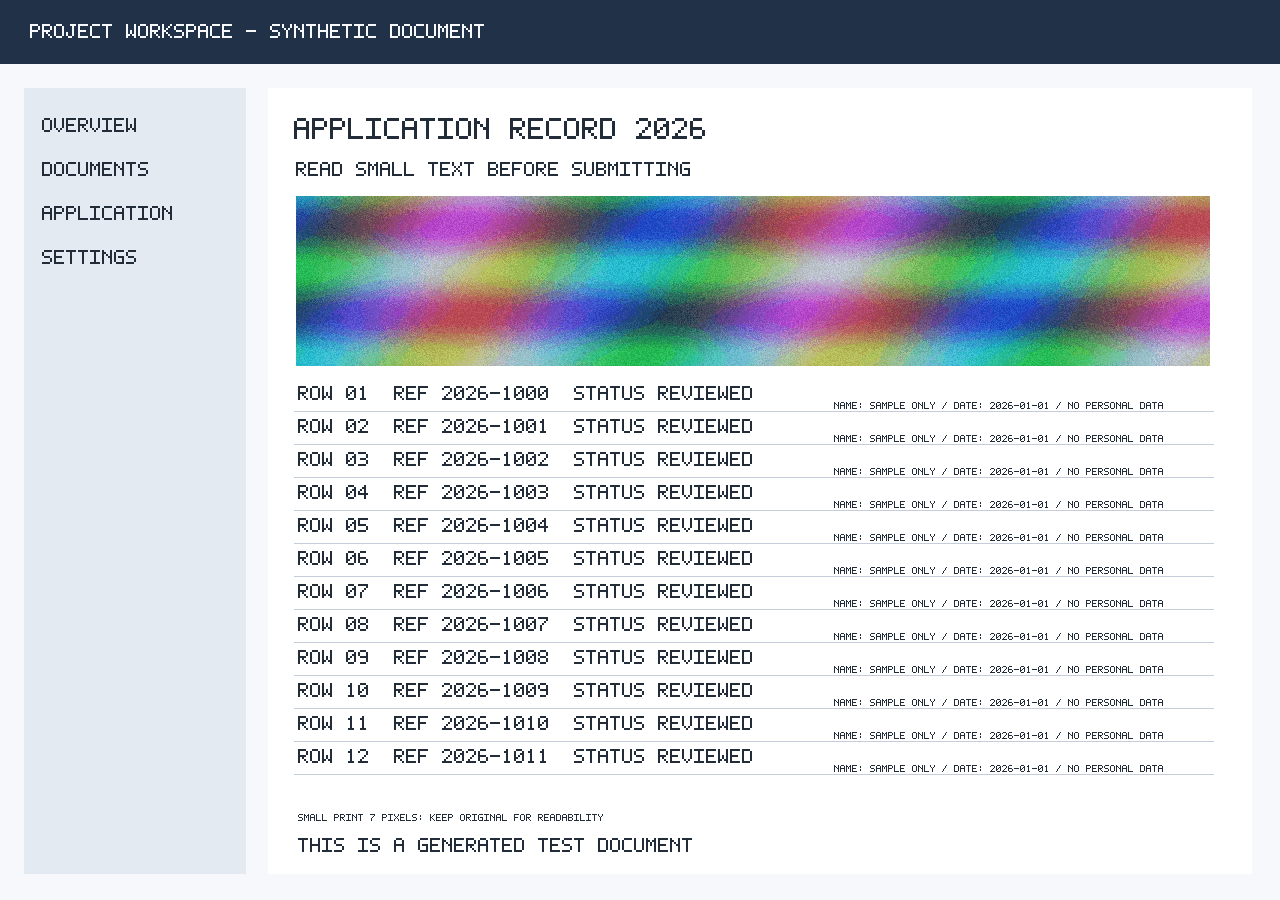
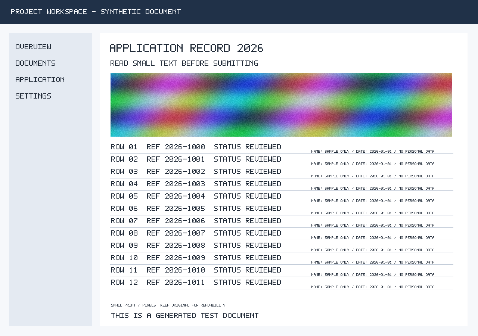
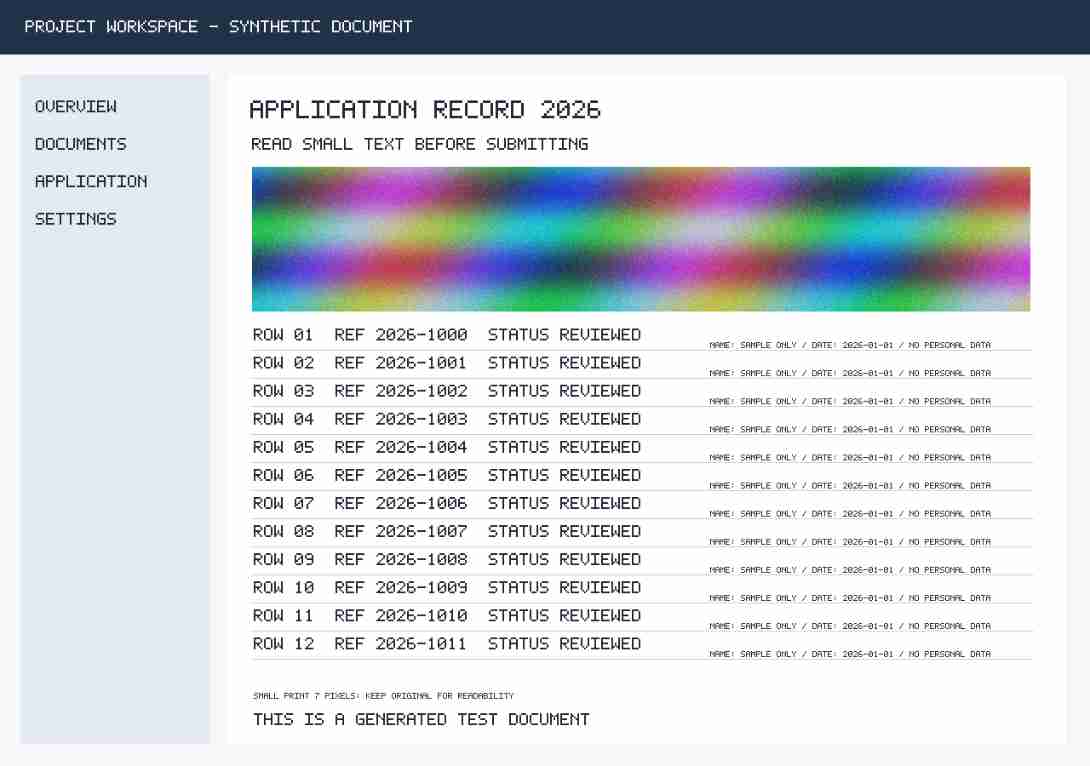
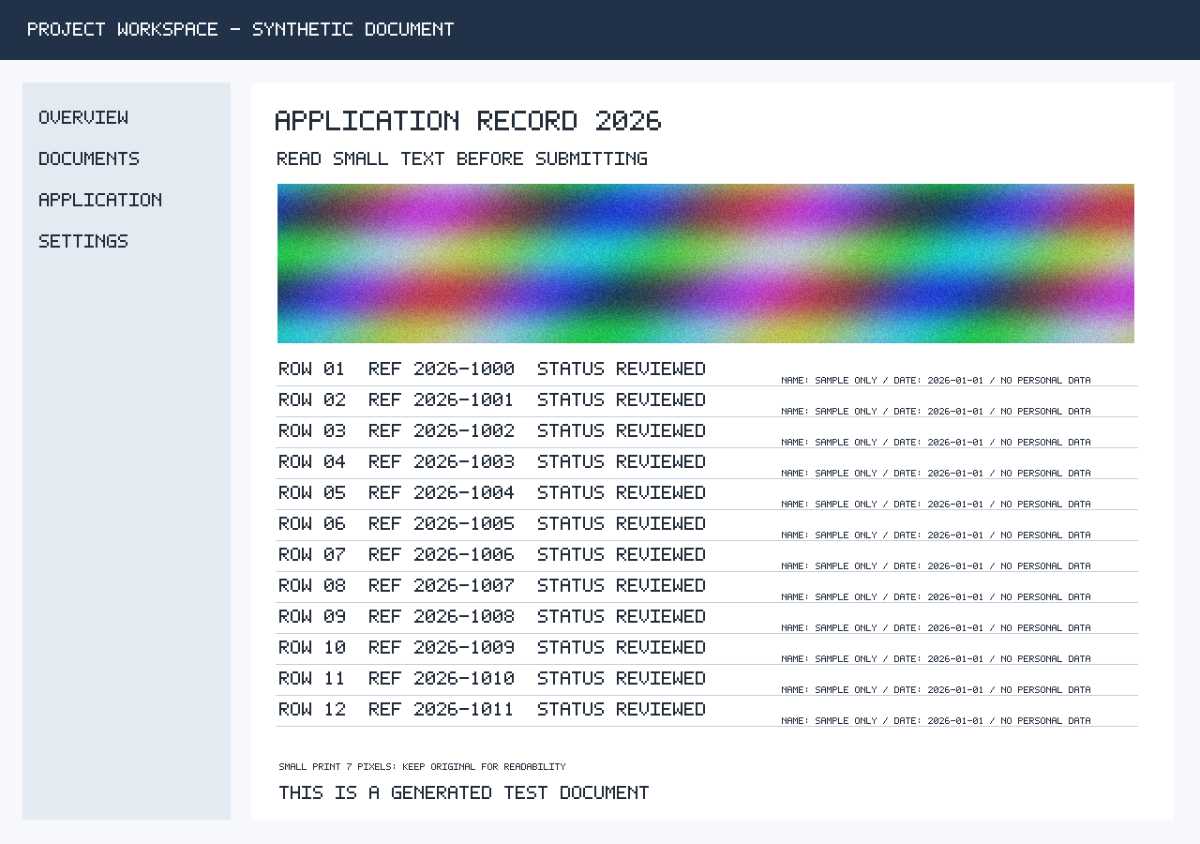
A synthetic document and interface with small text, a table and colored graphics. Useful for checking whether a small file remains readable.
PNG · 1280 × 900 · 522,230 bytes
Download original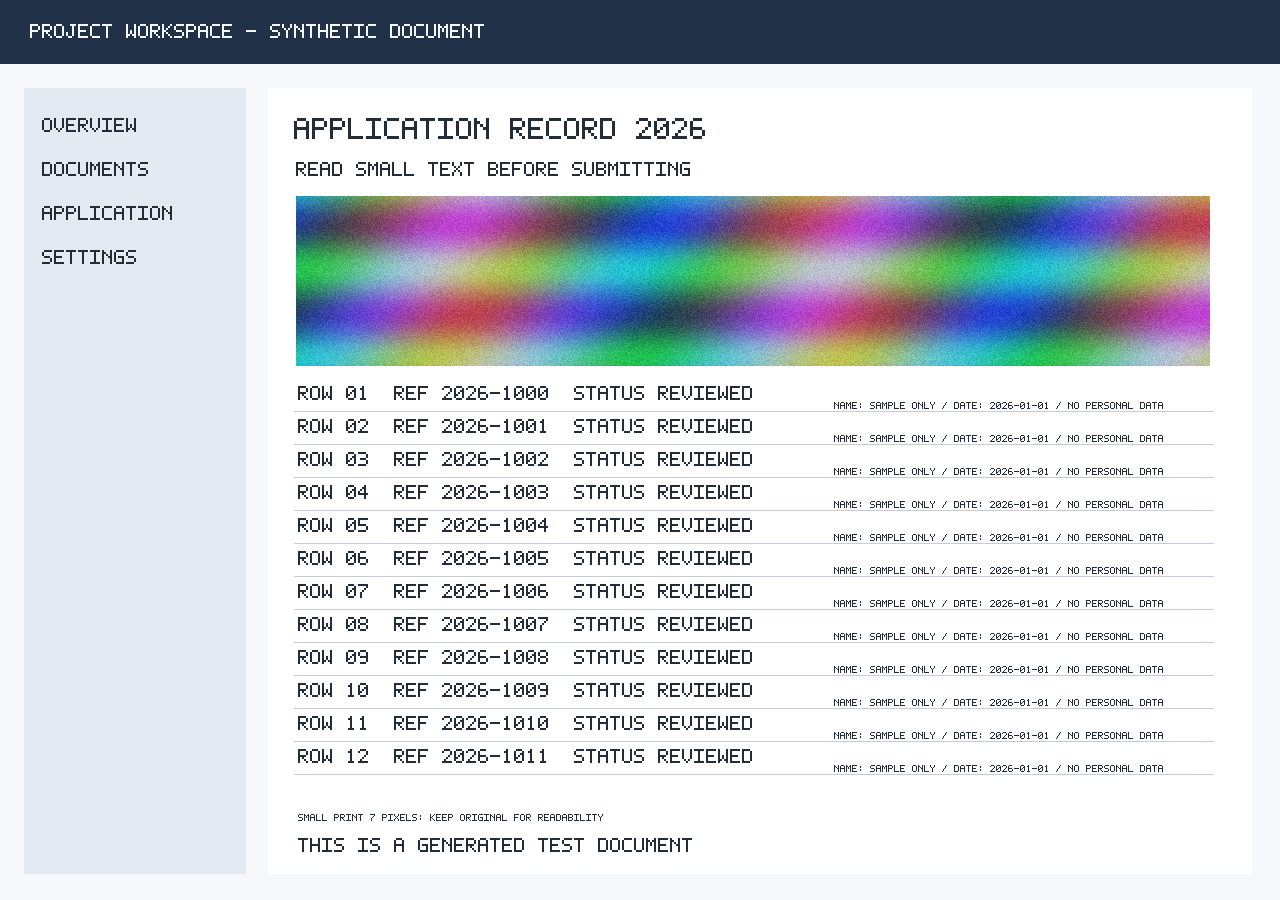
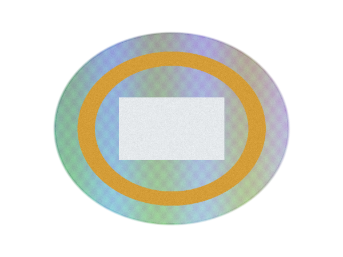
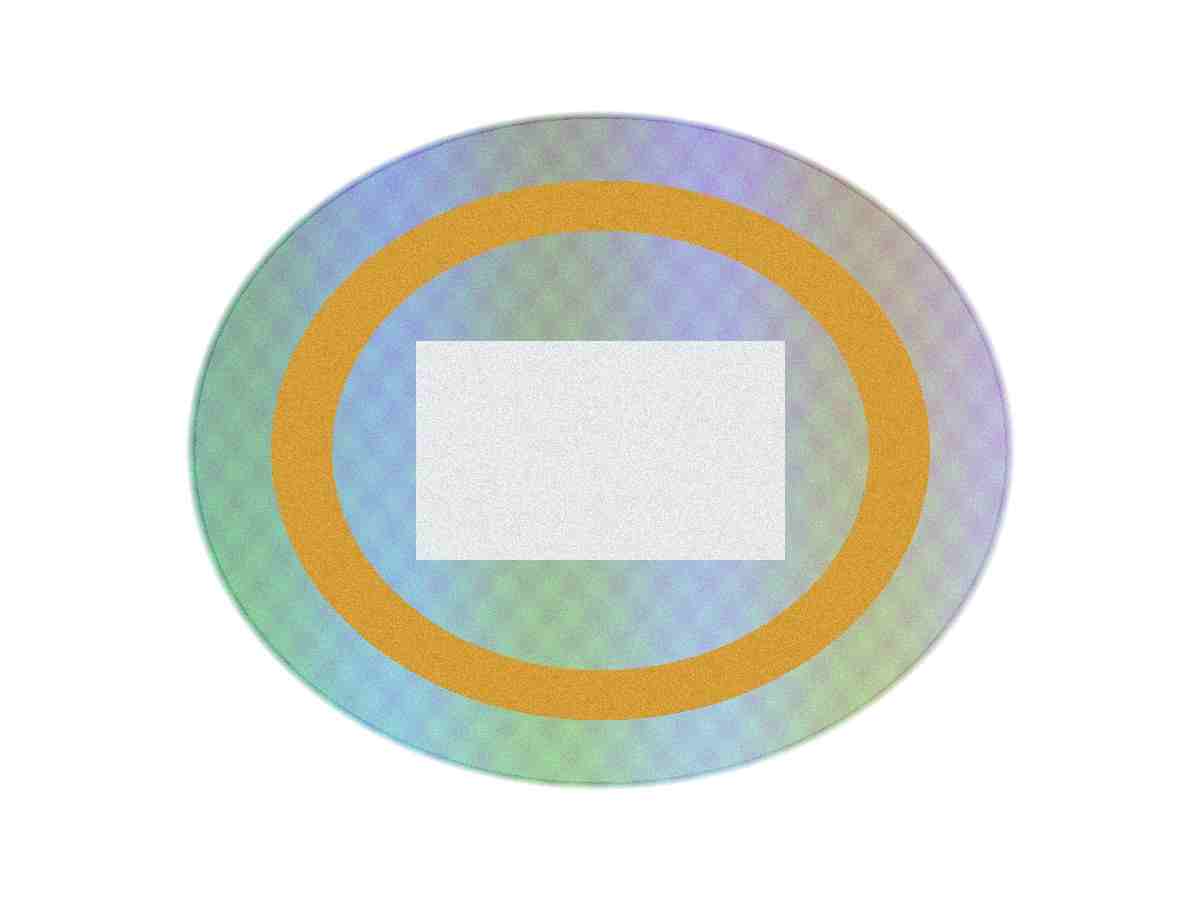
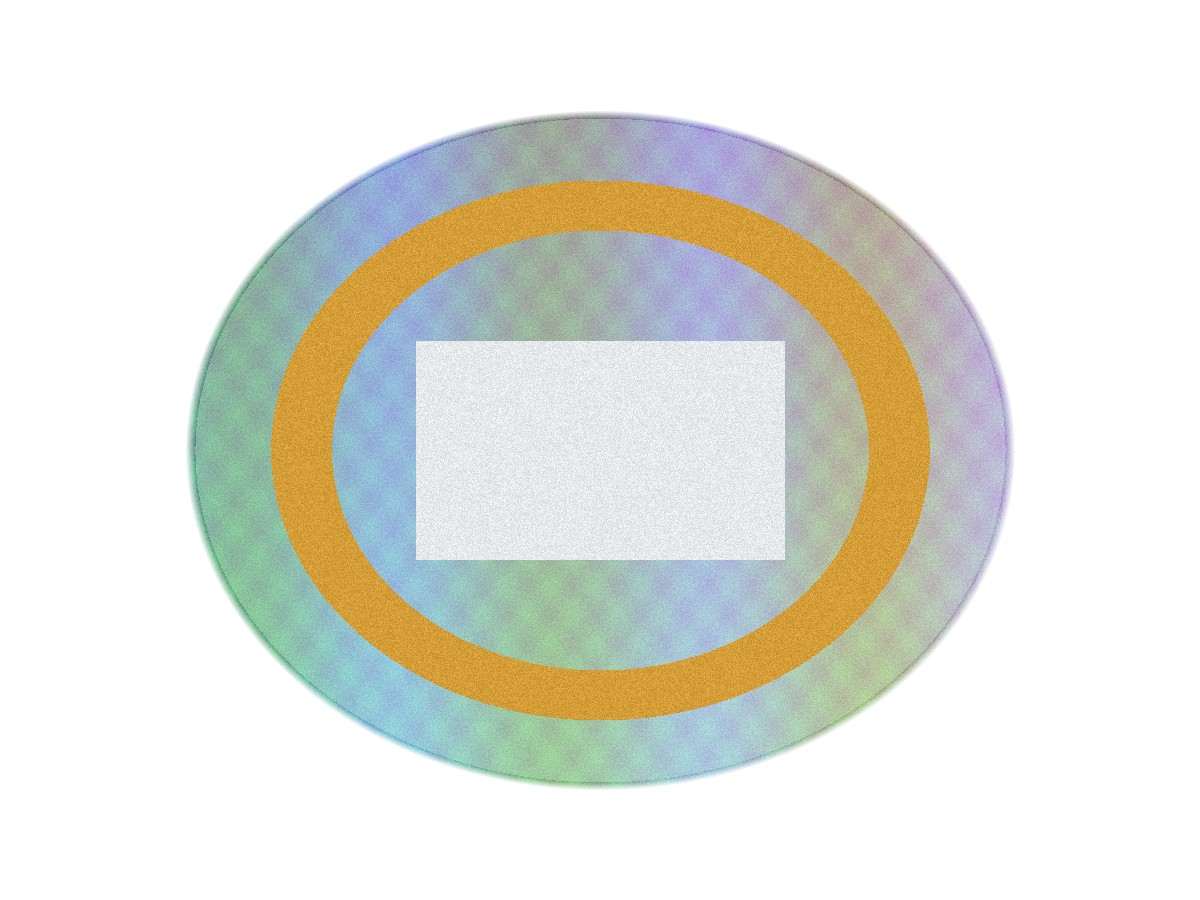
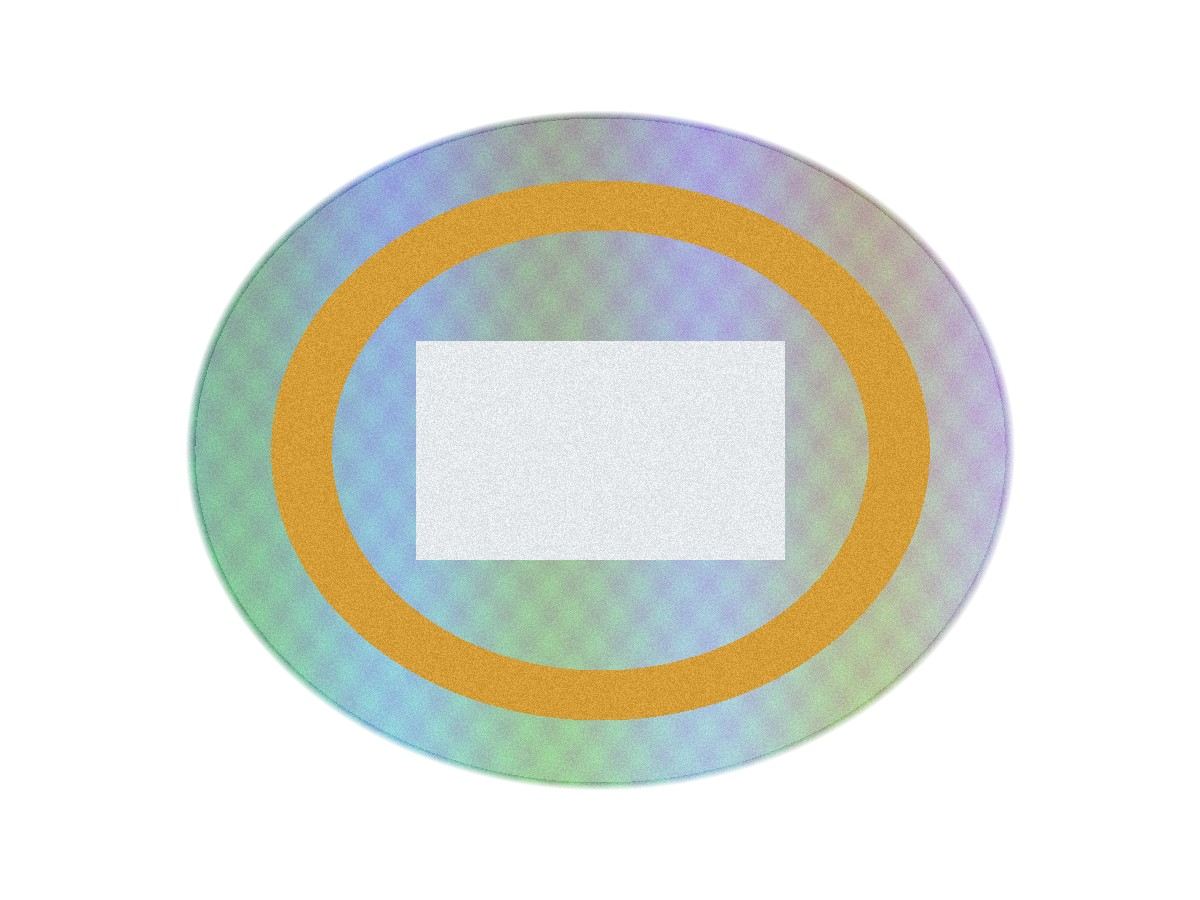
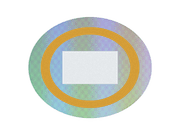
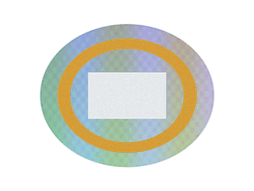
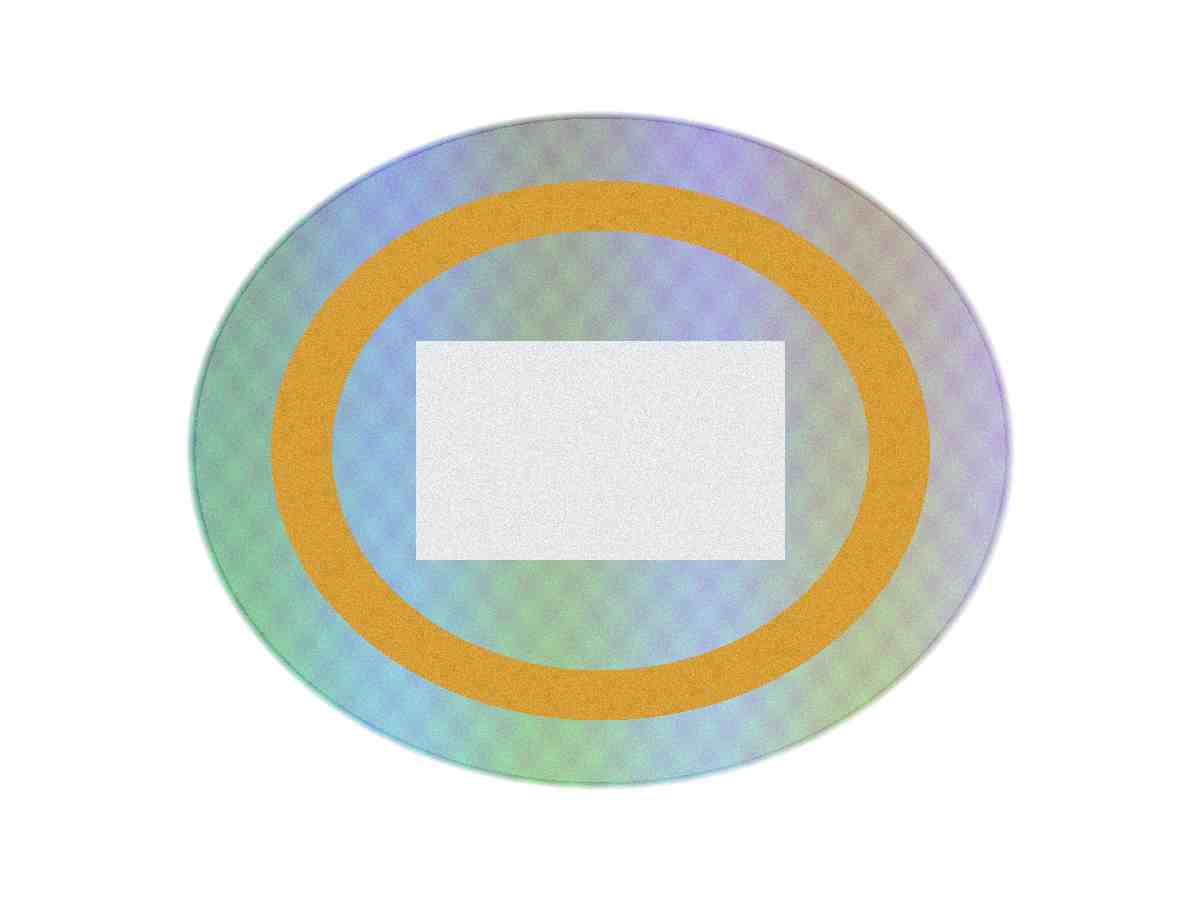
Transparent PNG
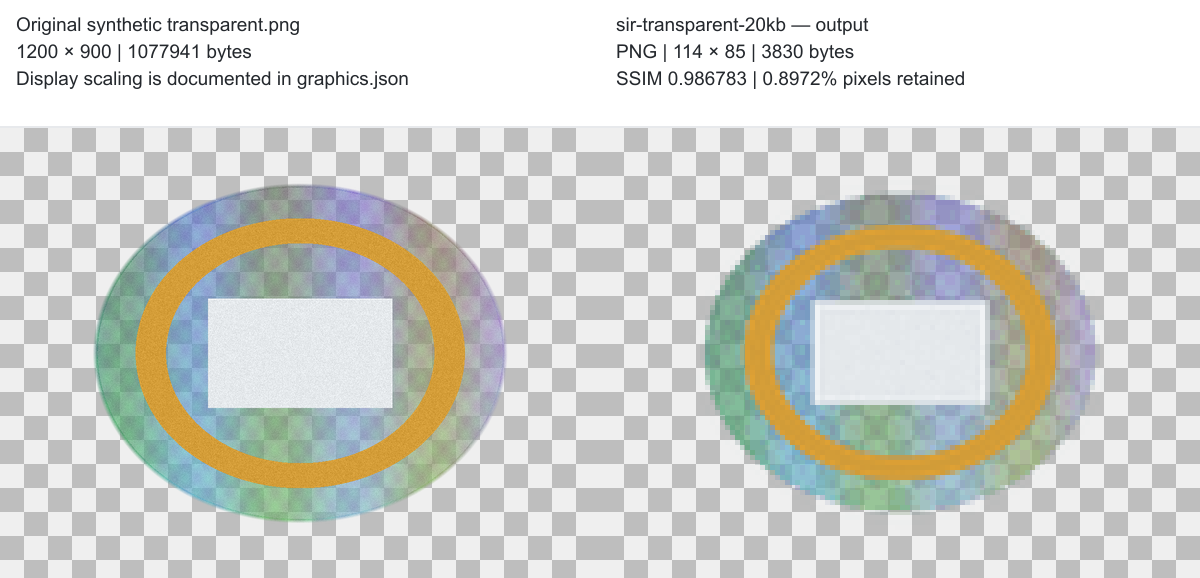
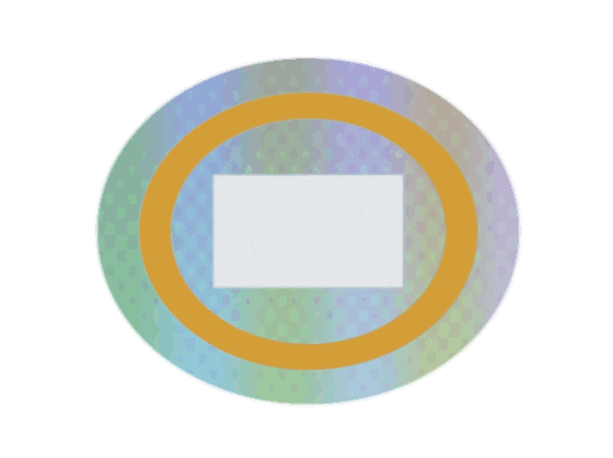
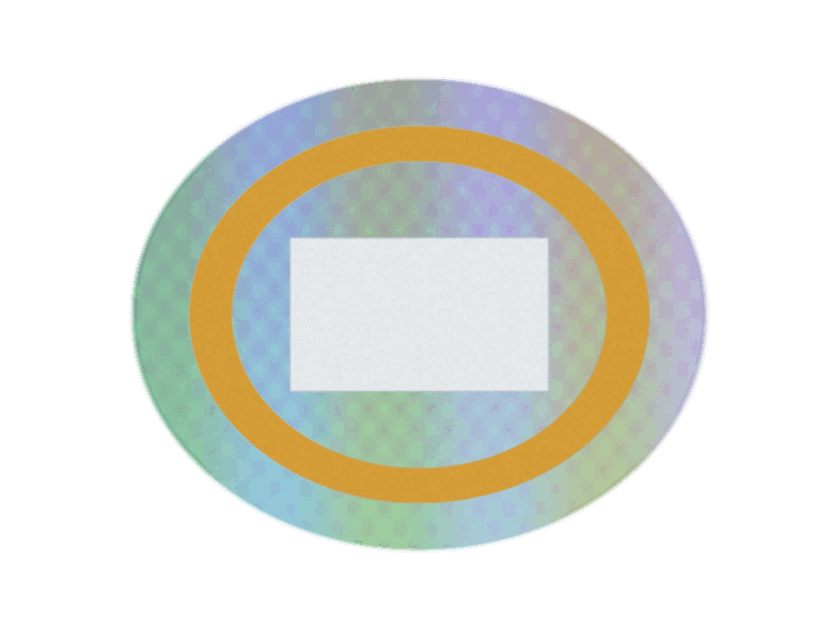
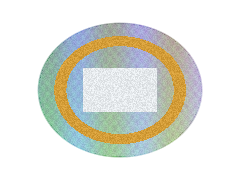
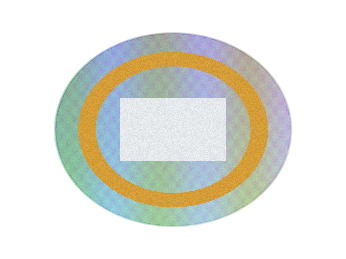
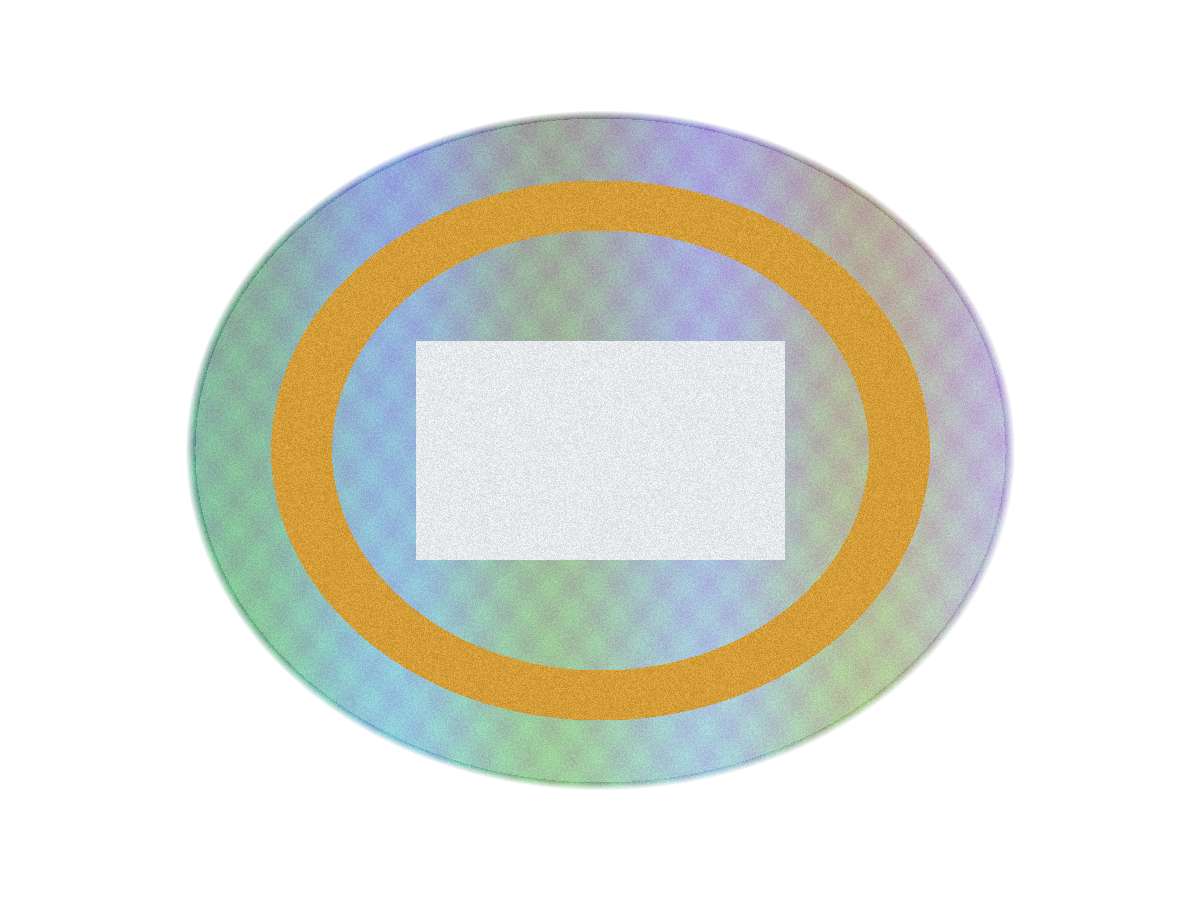
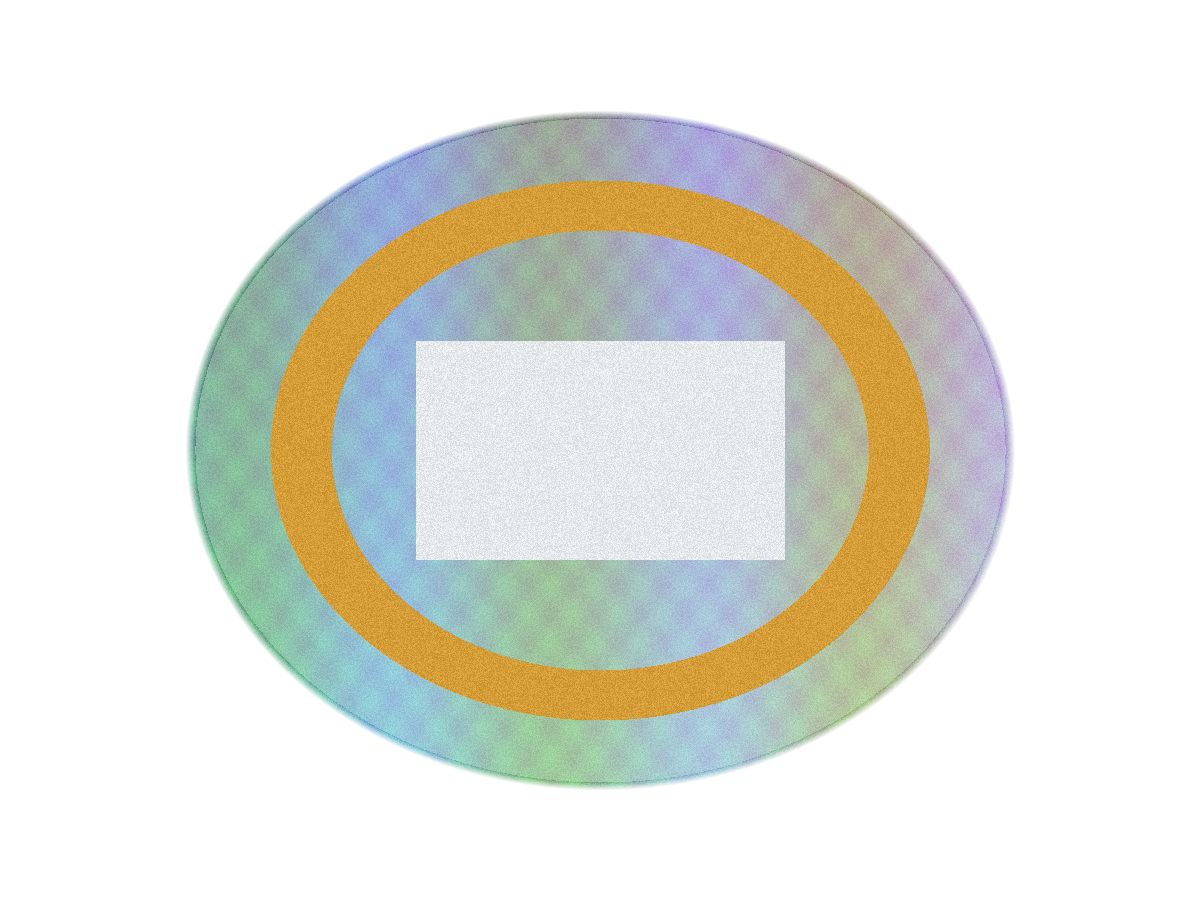
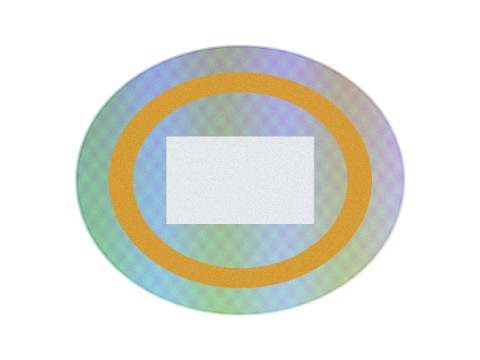
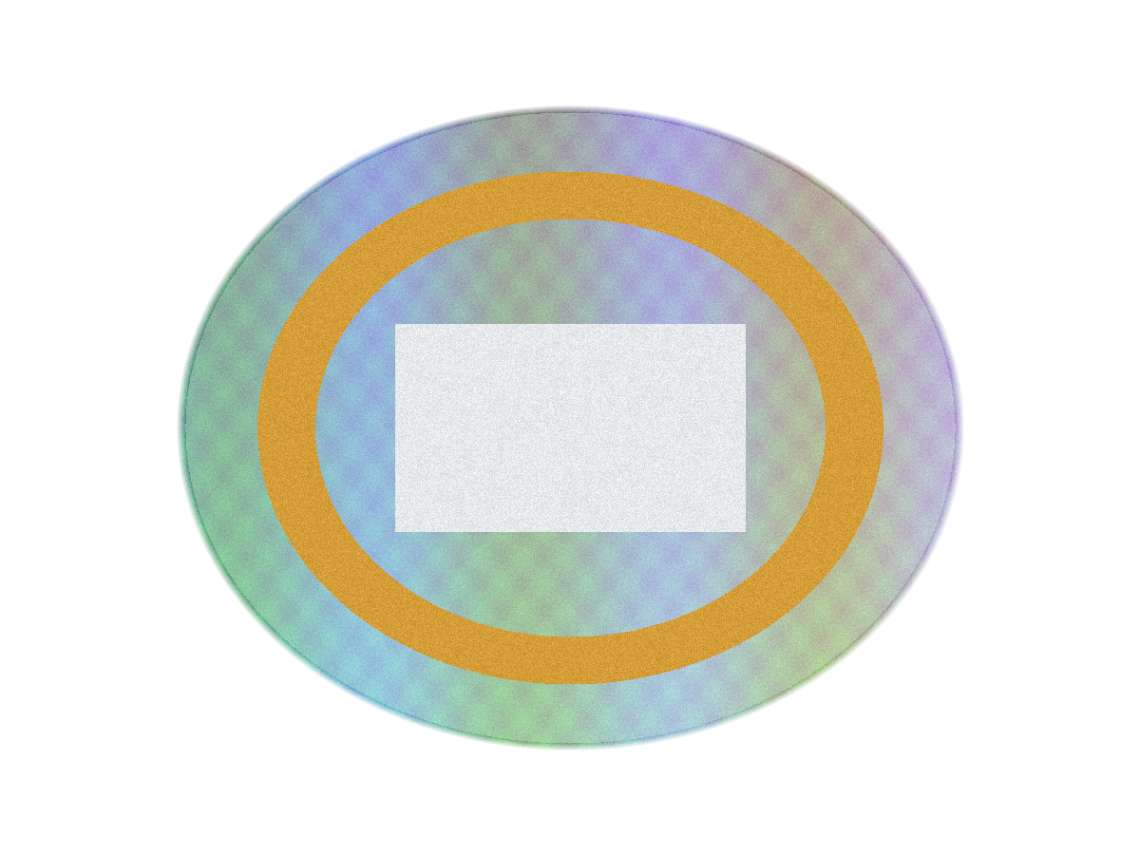
A synthetic graphic with clear and partially transparent pixels. It exposes format changes, matte backgrounds and alpha-edge differences.
PNG · 1200 × 900 · 1,077,941 bytes
Download original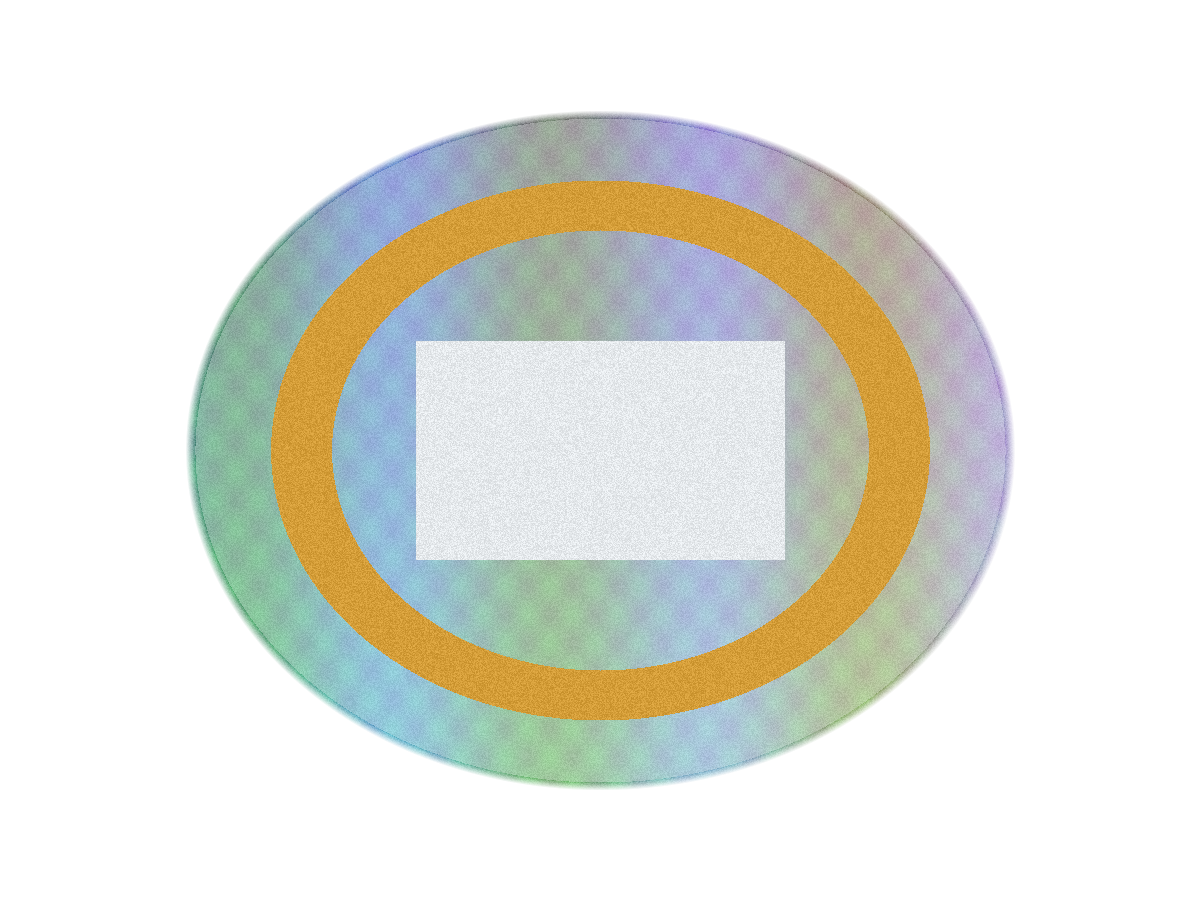
Why 82 completed, not 84? The original September 30 dataset had 79 downloads and five unavailable cases. Three Simple Image Resizer (SIR) 20 KB cases produced files in a documented follow-up on October 1. The normal result UI exposed Download; an advertising interstitial could be dismissed using its ordinary visible Close control. The original download-event failures remain archived. The follow-up files are separate later observations, not the missing original downloads.
Two ExactKB cases remain unavailable because the UI showed a minimum-scale refusal and offered no Download. No measurements are invented for them. The publication overlay records the version change, dates and approved follow-up hashes.
02 / THE METHOD
Original in. Actual download measured.
- Use the original fixture. Select the requested size through each tool’s normal UI. Leave unrelated options at their recorded defaults.
- Save the actual result. Measure its exact bytes and SHA-256 independently, then decode format, orientation, dimensions and alpha.
- Keep measurements separate. Record both byte caps, retained pixels, SSIM and RGB PSNR. Check transparency independently and inspect usability at native size.
No CAPTCHA, rate-limit or protection bypass, private API retrieval, source pre-conversion or selection of a favorable output was used. Original collection and the later SIR verification used Chrome 154.0.8037.59 on Windows. Egress country was not measured. Tool defaults and dynamic sites can change after collection.
See the complete methodology, metric definitions and dated environment record.
03 / OBSERVATIONS
Tool-by-tool results
Tools appear in the fixed study order. Coverage means completed / planned; each cap count uses completed outputs only. None of these columns is an overall quality score.
| Tool | Completed | Unavailable | Within decimal cap | Within binary equivalent | Resized | Format changed |
|---|---|---|---|---|---|---|
| CompressMyPhotos | 12/12 | 0 | 12/12 | 12/12 | 10/12 | 0 |
| Pi7 Image Tool | 12/12 | 0 | 8/12 | 12/12 | 7/12 | 6 |
| JPEG Optimizer | 12/12 | 0 | 8/12 | 12/12 | 11/12 | 0 |
| Simple Image Resizer | 12/12 | 0 | 12/12 | 12/12 | 12/12 | 0 |
| ExactKB | 10/12 | 2 | 7/10 | 10/10 | 6/10 | 0 |
| KBSize | 12/12 | 0 | 7/12 | 12/12 | 2/12 | 6 |
| SmallJPG | 12/12 | 0 | 12/12 | 12/12 | 12/12 | 6 |
CompressMyPhotos
12 of 12 downloaded files kept their source format. 10 changed dimensions. 3 transparent-fixture outputs completed: 3 retained alpha and 0 lost it.
Pi7 Image Tool
6 of 12 downloaded files kept their source format. 7 changed dimensions. 3 transparent-fixture outputs completed: 0 retained alpha and 3 lost it.
JPEG Optimizer
12 of 12 downloaded files kept their source format. 11 changed dimensions. 3 transparent-fixture outputs completed: 3 retained alpha and 0 lost it.
Simple Image Resizer
12 of 12 downloaded files kept their source format. 12 changed dimensions. 3 transparent-fixture outputs completed: 3 retained alpha and 0 lost it.
ExactKB
10 of 10 downloaded files kept their source format. 6 changed dimensions. 2 transparent-fixture outputs completed: 2 retained alpha and 0 lost it. The two unavailable cases are documented below.
KBSize
6 of 12 downloaded files kept their source format. 2 changed dimensions. 3 transparent-fixture outputs completed: 0 retained alpha and 3 lost it.
SmallJPG
6 of 12 downloaded files kept their source format. 12 changed dimensions. 3 transparent-fixture outputs completed: 0 retained alpha and 3 lost it.
Results at 20 KB, 50 KB and 100 KB
The smallest UI target has two unavailable cases. They are excluded from cap-compliance and similarity distributions. At 20 KB, 22 of 26 completed files were resized; compare dimensions and readability before treating a small download as useful.
| UI target | Decimal cap | Binary equivalent | Completed | Unavailable | Within decimal | Within binary | Resized |
|---|---|---|---|---|---|---|---|
| 20 KB | 20,000 B | 20,480 B | 26/28 | 2 | 23/26 | 26/26 | 22/26 |
| 50 KB | 50,000 B | 51,200 B | 28/28 | 0 | 24/28 | 28/28 | 20/28 |
| 100 KB | 100,000 B | 102,400 B | 28/28 | 0 | 19/28 | 28/28 | 18/28 |
Try the local 20 KB, 50 KB or 100 KB compressor with your own original. A destination may also require a particular format and minimum dimensions.
A “KB” label can mean two different limits
A decimal kilobyte is 1,000 bytes. Some software labels 1,024 bytes as “KB” (properly KiB). We entered the same numbers in each UI, then classified the actual downloads against two independent caps.
Strict decimal benchmark: 20,000 / 50,000 / 100,000 bytes.
Binary equivalents: 20,480 / 51,200 / 102,400 bytes.
66/82 completed files fit the decimal caps; 82/82 fit the binary equivalents. All 16 decimal overages fit the corresponding binary cap.
CompressMyPhotos explicitly documents decimal bytes. KBSize explicitly states “1 KB = 1024 bytes.” The other five tools have unspecified unit semantics in preserved evidence. That does not establish decimal semantics. A file that exceeded the strict decimal benchmark cap did not necessarily miss a tool’s own promised limit.
Declared units and exact supporting statements
CompressMyPhotos: decimal. Targets are best-effort upper bounds in decimal bytes (1 KB = 1,000 bytes). Preserved publisher documentation; not historical per-case UI capture.
Pi7 Image Tool: unspecified. No explicit bytes-per-KB definition found in preserved evidence. No explicit definition found in preserved evidence.
JPEG Optimizer: unspecified. No explicit bytes-per-KB definition found in preserved evidence. No explicit definition found in preserved evidence.
Simple Image Resizer: unspecified. No explicit bytes-per-KB definition found in preserved evidence. No explicit definition found in preserved evidence.
ExactKB: unspecified. No explicit bytes-per-KB definition found in preserved evidence. No explicit definition found in preserved evidence.
KBSize: binary. Sizes are measured in binary kilobytes (1 KB = 1024 bytes), the same way your operating system reports them. Captured explicit site statement.
SmallJPG: unspecified. No explicit bytes-per-KB definition found in preserved evidence. No explicit definition found in preserved evidence.
| Case | Decimal cap | Actual bytes | Over decimal | Binary cap | Within binary |
|---|---|---|---|---|---|
| pi7-photo-100kb | 100,000 | 100,352 | 352 | 102,400 | Yes |
| pi7-texture-100kb | 100,000 | 100,352 | 352 | 102,400 | Yes |
| pi7-document-100kb | 100,000 | 100,352 | 352 | 102,400 | Yes |
| pi7-transparent-100kb | 100,000 | 100,352 | 352 | 102,400 | Yes |
| jpegopt-photo-20kb | 20,000 | 20,236 | 236 | 20,480 | Yes |
| jpegopt-document-50kb | 50,000 | 50,516 | 516 | 51,200 | Yes |
| jpegopt-transparent-50kb | 50,000 | 51,089 | 1,089 | 51,200 | Yes |
| jpegopt-transparent-100kb | 100,000 | 100,761 | 761 | 102,400 | Yes |
| exactkb-photo-20kb | 20,000 | 20,033 | 33 | 20,480 | Yes |
| exactkb-photo-100kb | 100,000 | 102,119 | 2,119 | 102,400 | Yes |
| exactkb-document-100kb | 100,000 | 100,212 | 212 | 102,400 | Yes |
| kbsize-photo-100kb | 100,000 | 102,139 | 2,139 | 102,400 | Yes |
| kbsize-document-50kb | 50,000 | 50,477 | 477 | 51,200 | Yes |
| kbsize-document-100kb | 100,000 | 102,287 | 2,287 | 102,400 | Yes |
| kbsize-transparent-20kb | 20,000 | 20,265 | 265 | 20,480 | Yes |
| kbsize-transparent-50kb | 50,000 | 50,061 | 61 | 51,200 | Yes |
Smaller files can also mean fewer pixels
60 of 82 outputs changed dimensions. Pixel retention compares output width × height with the original pixel count. Width or height alone can hide how much pixel resolution was lost.
| UI target | Sample size | Width retained | Height retained | Pixels retained |
|---|---|---|---|---|
| 20 KB | 26 | 47.42% | 47.28% | 22.55% |
| 50 KB | 28 | 74% | 74% | 54.77% |
| 100 KB | 28 | 93.75% | 93.75% | 87.89% |
SSIM measures similarity to a resized reference
The original reference is resized to the output’s dimensions. Both are composited over neutral gray before SSIM and RGB PSNR are calculated. A tiny output can therefore score highly against a tiny reference while losing information from the full-size original. Similarity is not legibility, usable resolution or a calibrated human-quality rating.
| Fixture | UI target | SSIM n | Minimum | Median | Maximum | Median pixels retained |
|---|---|---|---|---|---|---|
| Photo-like JPEG | 20 KB | 7 | 0.745992 | 0.868958 | 0.97662 | 35.61% |
| Photo-like JPEG | 50 KB | 7 | 0.781693 | 0.840594 | 0.977795 | 87.89% |
| Photo-like JPEG | 100 KB | 7 | 0.804366 | 0.843538 | 0.966542 | 92.64% |
| Texture JPEG | 20 KB | 7 | 0.145657 | 0.353957 | 0.906182 | 19.1% |
| Texture JPEG | 50 KB | 7 | 0.208046 | 0.318454 | 0.737118 | 44.75% |
| Texture JPEG | 100 KB | 7 | 0.222637 | 0.39786 | 0.711676 | 81% |
| Document/UI PNG | 20 KB | 6 | 0.571814 | 0.880191 | 0.9927 | 12.31% |
| Document/UI PNG | 50 KB | 7 | 0.686348 | 0.882058 | 0.992035 | 35.5% |
| Document/UI PNG | 100 KB | 7 | 0.901504 | 0.940613 | 0.986712 | 87.92% |
| Transparent PNG | 20 KB | 6 | 0.679601 | 0.827565 | 0.9932 | 21% |
| Transparent PNG | 50 KB | 7 | 0.719441 | 0.852617 | 0.99371 | 48.53% |
| Transparent PNG | 100 KB | 7 | 0.743722 | 0.88218 | 0.98887 | 66.15% |
Compare observations within the same fixture, and read retained dimensions alongside SSIM. RGB PSNR and the full descriptive distributions are in the downloadable data. We do not combine these metrics into a score.
PNG inputs sometimes became JPEG
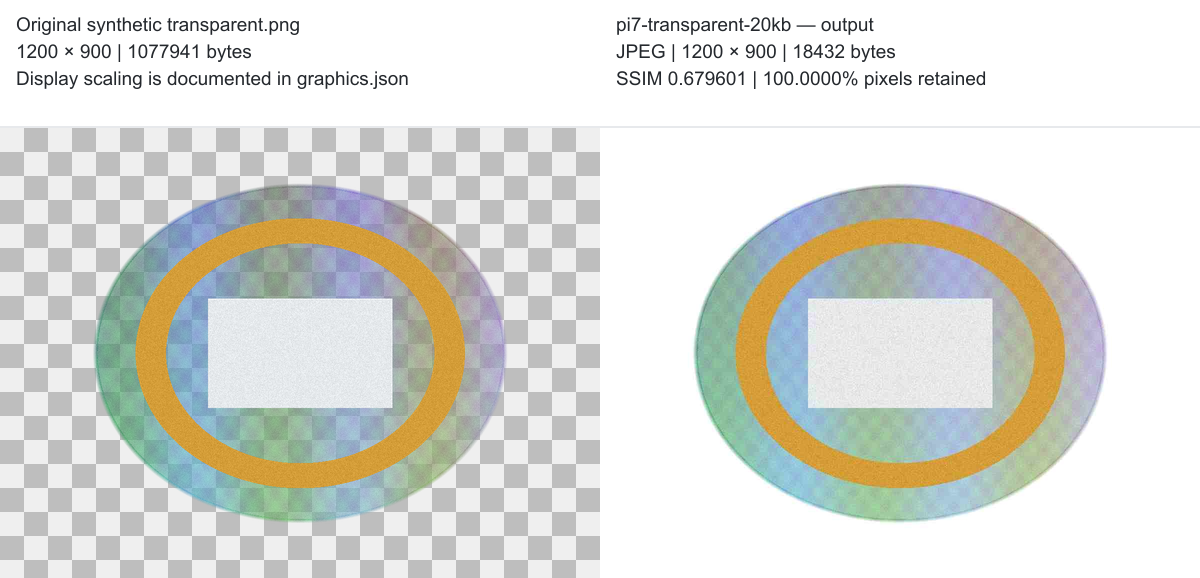
18 completed PNG inputs changed to JPEG: six each from Pi7, KBSize and SmallJPG. Each format change is recorded as observed. We did not convert outputs back, repair transparency or correct filenames manually. The other tools retained the source format in their completed cases.
JPEG cannot preserve an alpha channel. A small byte count and high RGB similarity do not describe what happened to transparent pixels. For your own files, see PNG compression, JPG compression and WebP compression; this study’s inputs remain JPEG and PNG only.
Alpha is an independent observation
20 of 21 transparent-fixture cases completed. Eleven retained alpha and nine lost it. One ExactKB case is unavailable and has no transparency outcome. Alpha preservation records clear and partially transparent pixels; it does not promise an identical alpha channel. Human appearance review was consistent with the stored alpha measurements.
Under the limit. Still unreadable.
The SIR 20 KB document output met the byte limit at 3,314 bytes, measured 117 × 82 pixels and scored 0.992700 normalized SSIM. In the approved human review it was not readable as a normal document at its native output size.
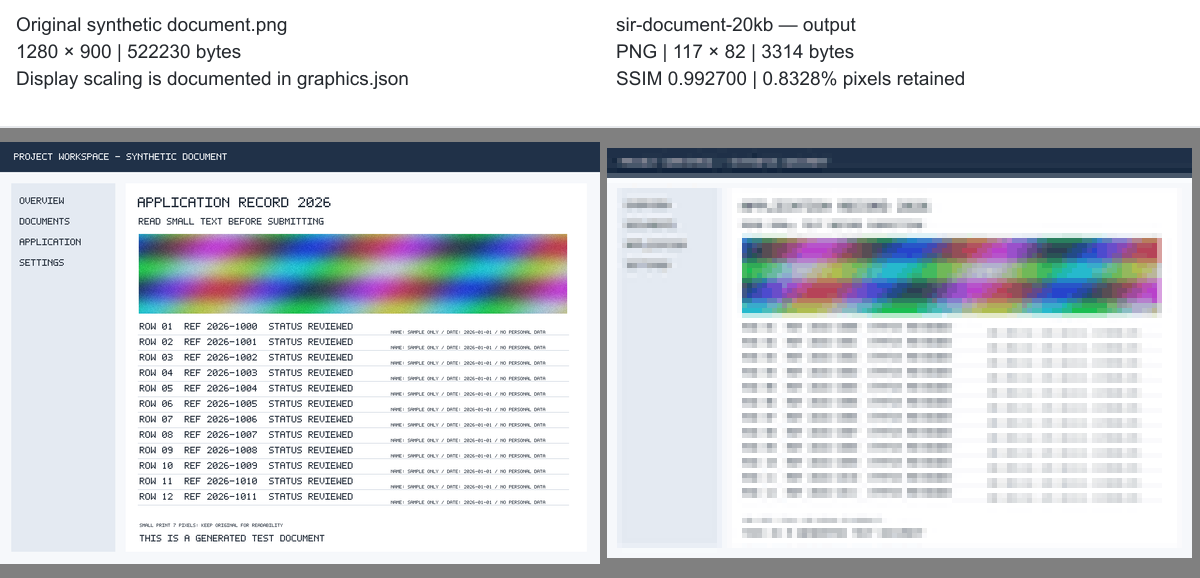
Check the smallest text at the intended display size. A larger limit or a tighter source crop may be needed, subject to the receiving form’s rules. The compressor can report bytes and dimensions; it cannot certify readability or acceptance.
04 / THE CASE LEDGER
All 84 planned cases
Exact bytes stay visible. “Within” and “Over” refer to the indicated benchmark cap, not a tool’s promised semantics. A dash means the output was unavailable. Every row is present without JavaScript; filters only narrow this view.
| Case / tool | UI target | Exact bytes | Input → output | Output dimensions | Pixels retained | SSIM | Alpha | Decimal cap | Binary cap | Exact file |
|---|---|---|---|---|---|---|---|---|---|---|
| cmp-photo-20kbCompressMyPhotos | 20 KB | 19,994 | jpeg → jpeg | 931 × 698 | 33.85% | 0.925864 | N/A | Within | Within | Download |
| cmp-photo-50kbCompressMyPhotos | 50 KB | 49,935 | jpeg → jpeg | 1600 × 1200 | 100% | 0.781693 | N/A | Within | Within | Download |
| cmp-photo-100kbCompressMyPhotos | 100 KB | 95,535 | jpeg → jpeg | 1600 × 1200 | 100% | 0.804366 | N/A | Within | Within | Download |
| cmp-texture-20kbCompressMyPhotos | 20 KB | 19,977 | jpeg → jpeg | 438 × 328 | 7.48% | 0.768111 | N/A | Within | Within | Download |
| cmp-texture-50kbCompressMyPhotos | 50 KB | 49,768 | jpeg → jpeg | 680 × 510 | 18.06% | 0.617351 | N/A | Within | Within | Download |
| cmp-texture-100kbCompressMyPhotos | 100 KB | 98,476 | jpeg → jpeg | 800 × 600 | 25% | 0.711676 | N/A | Within | Within | Download |
| cmp-document-20kbCompressMyPhotos | 20 KB | 19,393 | png → png | 139 × 97 | 1.17% | 0.972475 | N/A | Within | Within | Download |
| cmp-document-50kbCompressMyPhotos | 50 KB | 47,699 | png → png | 254 × 178 | 3.92% | 0.969532 | N/A | Within | Within | Download |
| cmp-document-100kbCompressMyPhotos | 100 KB | 81,630 | png → png | 350 × 246 | 7.47% | 0.969841 | N/A | Within | Within | Download |
| cmp-transparent-20kbCompressMyPhotos | 20 KB | 19,098 | png → png | 151 × 113 | 1.58% | 0.9932 | Retained | Within | Within | Download |
| cmp-transparent-50kbCompressMyPhotos | 50 KB | 43,715 | png → png | 239 × 179 | 3.96% | 0.99371 | Retained | Within | Within | Download |
| cmp-transparent-100kbCompressMyPhotos | 100 KB | 87,494 | png → png | 343 × 257 | 8.16% | 0.98887 | Retained | Within | Within | Download |
| pi7-photo-20kbPi7 Image Tool | 20 KB | 18,432 | jpeg → jpeg | 1500 × 1125 | 87.89% | 0.80381 | N/A | Within | Within | Download |
| pi7-photo-50kbPi7 Image Tool | 50 KB | 49,152 | jpeg → jpeg | 1500 × 1125 | 87.89% | 0.840594 | N/A | Within | Within | Download |
| pi7-photo-100kbPi7 Image Tool | 100 KB | 100,352 | jpeg → jpeg | 1500 × 1125 | 87.89% | 0.862273 | N/A | Over | Within | Download |
| pi7-texture-20kbPi7 Image Tool | 20 KB | 18,432 | jpeg → jpeg | 1500 × 1125 | 87.89% | 0.145657 | N/A | Within | Within | Download |
| pi7-texture-50kbPi7 Image Tool | 50 KB | 49,152 | jpeg → jpeg | 1500 × 1125 | 87.89% | 0.310132 | N/A | Within | Within | Download |
| pi7-texture-100kbPi7 Image Tool | 100 KB | 100,352 | jpeg → jpeg | 1500 × 1125 | 87.89% | 0.4543 | N/A | Over | Within | Download |
| pi7-document-20kbPi7 Image Tool | 20 KB | 18,432 | png → jpeg | 922 × 648 | 51.86% | 0.827163 | N/A | Within | Within | Download |
| pi7-document-50kbPi7 Image Tool | 50 KB | 49,152 | png → jpeg | 1280 × 900 | 100% | 0.873099 | N/A | Within | Within | Download |
| pi7-document-100kbPi7 Image Tool | 100 KB | 100,352 | png → jpeg | 1280 × 900 | 100% | 0.930086 | N/A | Over | Within | Download |
| pi7-transparent-20kbPi7 Image Tool | 20 KB | 18,432 | png → jpeg | 1200 × 900 | 100% | 0.679601 | Lost | Within | Within | Download |
| pi7-transparent-50kbPi7 Image Tool | 50 KB | 49,152 | png → jpeg | 1200 × 900 | 100% | 0.719441 | Lost | Within | Within | Download |
| pi7-transparent-100kbPi7 Image Tool | 100 KB | 100,352 | png → jpeg | 1200 × 900 | 100% | 0.743722 | Lost | Over | Within | Download |
| jpegopt-photo-20kbJPEG Optimizer | 20 KB | 20,236 | jpeg → jpeg | 955 × 716 | 35.61% | 0.868958 | N/A | Over | Within | Download |
| jpegopt-photo-50kbJPEG Optimizer | 50 KB | 46,857 | jpeg → jpeg | 1302 × 976 | 66.19% | 0.866626 | N/A | Within | Within | Download |
| jpegopt-photo-100kbJPEG Optimizer | 100 KB | 80,750 | jpeg → jpeg | 1444 × 1083 | 81.45% | 0.866325 | N/A | Within | Within | Download |
| jpegopt-texture-20kbJPEG Optimizer | 20 KB | 19,342 | jpeg → jpeg | 700 × 524 | 19.1% | 0.353957 | N/A | Within | Within | Download |
| jpegopt-texture-50kbJPEG Optimizer | 50 KB | 44,417 | jpeg → jpeg | 907 × 680 | 32.12% | 0.260463 | N/A | Within | Within | Download |
| jpegopt-texture-100kbJPEG Optimizer | 100 KB | 98,221 | jpeg → jpeg | 1115 × 836 | 48.55% | 0.222637 | N/A | Within | Within | Download |
| jpegopt-document-20kbJPEG Optimizer | 20 KB | 19,423 | png → png | 477 × 335 | 13.87% | 0.571814 | N/A | Within | Within | Download |
| jpegopt-document-50kbJPEG Optimizer | 50 KB | 50,516 | png → png | 763 × 536 | 35.5% | 0.686348 | N/A | Over | Within | Download |
| jpegopt-document-100kbJPEG Optimizer | 100 KB | 92,172 | png → png | 1280 × 900 | 100% | 0.985833 | N/A | Within | Within | Download |
| jpegopt-transparent-20kbJPEG Optimizer | 20 KB | 19,062 | png → png | 613 × 458 | 26% | 0.897789 | Retained | Within | Within | Download |
| jpegopt-transparent-50kbJPEG Optimizer | 50 KB | 51,089 | png → png | 836 × 627 | 48.53% | 0.887441 | Retained | Over | Within | Download |
| jpegopt-transparent-100kbJPEG Optimizer | 100 KB | 100,761 | png → png | 976 × 732 | 66.15% | 0.88218 | Retained | Over | Within | Download |
| sir-photo-20kbSimple Image Resizer | 20 KB | 18,229 | jpeg → jpeg | 301 × 226 | 3.54% | 0.974707 | N/A | Within | Within | Download |
| sir-photo-50kbSimple Image Resizer | 50 KB | 40,388 | jpeg → jpeg | 476 × 357 | 8.85% | 0.977795 | N/A | Within | Within | Download |
| sir-photo-100kbSimple Image Resizer | 100 KB | 74,676 | jpeg → jpeg | 673 × 505 | 17.7% | 0.966542 | N/A | Within | Within | Download |
| sir-texture-20kbSimple Image Resizer · Oct 1 follow-up | 20 KB | 19,672 | jpeg → jpeg | 301 × 226 | 3.54% | 0.906182 | N/A | Within | Within | Download |
| sir-texture-50kbSimple Image Resizer | 50 KB | 34,327 | jpeg → jpeg | 476 × 357 | 8.85% | 0.737118 | N/A | Within | Within | Download |
| sir-texture-100kbSimple Image Resizer | 100 KB | 79,151 | jpeg → jpeg | 673 × 505 | 17.7% | 0.61413 | N/A | Within | Within | Download |
| sir-document-20kbSimple Image Resizer · Oct 1 follow-up | 20 KB | 3,314 | png → png | 117 × 82 | 0.83% | 0.9927 | N/A | Within | Within | Download |
| sir-document-50kbSimple Image Resizer | 50 KB | 7,953 | png → png | 186 × 130 | 2.1% | 0.992035 | N/A | Within | Within | Download |
| sir-document-100kbSimple Image Resizer | 100 KB | 14,047 | png → png | 263 × 185 | 4.22% | 0.986712 | N/A | Within | Within | Download |
| sir-transparent-20kbSimple Image Resizer · Oct 1 follow-up | 20 KB | 3,830 | png → png | 114 × 85 | 0.9% | 0.986783 | Retained | Within | Within | Download |
| sir-transparent-50kbSimple Image Resizer | 50 KB | 7,047 | png → png | 180 × 135 | 2.25% | 0.985935 | Retained | Within | Within | Download |
| sir-transparent-100kbSimple Image Resizer | 100 KB | 12,443 | png → png | 254 × 191 | 4.49% | 0.985189 | Retained | Within | Within | Download |
| exactkb-photo-20kbExactKB | 20 KB | 20,033 | jpeg → jpeg | 1600 × 1200 | 100% | 0.749249 | N/A | Over | Within | Download |
| exactkb-photo-50kbExactKB | 50 KB | 49,936 | jpeg → jpeg | 1600 × 1200 | 100% | 0.781693 | N/A | Within | Within | Download |
| exactkb-photo-100kbExactKB | 100 KB | 102,119 | jpeg → jpeg | 1600 × 1200 | 100% | 0.8071 | N/A | Over | Within | Download |
| exactkb-texture-20kbExactKB | 20 KB | 17,520 | jpeg → jpeg | 936 × 702 | 34.22% | 0.326577 | N/A | Within | Within | Download |
| exactkb-texture-50kbExactKB | 50 KB | 46,936 | jpeg → jpeg | 1198 × 898 | 56.03% | 0.407842 | N/A | Within | Within | Download |
| exactkb-texture-100kbExactKB | 100 KB | 94,518 | jpeg → jpeg | 1600 × 1200 | 100% | 0.39786 | N/A | Within | Within | Download |
| exactkb-document-20kbExactKB | 20 KB | — | png → — | — | — | — | N/A | — | — | Unavailable |
| exactkb-document-50kbExactKB | 50 KB | 46,686 | png → png | 315 × 222 | 6.07% | 0.828524 | N/A | Within | Within | Download |
| exactkb-document-100kbExactKB | 100 KB | 100,212 | png → png | 478 × 336 | 13.94% | 0.901504 | N/A | Over | Within | Download |
| exactkb-transparent-20kbExactKB | 20 KB | — | png → — | — | — | — | — | — | — | Unavailable |
| exactkb-transparent-50kbExactKB | 50 KB | 48,411 | png → png | 240 × 180 | 4% | 0.852617 | Retained | Within | Within | Download |
| exactkb-transparent-100kbExactKB | 100 KB | 95,348 | png → png | 346 × 259 | 8.3% | 0.922976 | Retained | Within | Within | Download |
| kbsize-photo-20kbKBSize | 20 KB | 19,196 | jpeg → jpeg | 1600 × 1200 | 100% | 0.745992 | N/A | Within | Within | Download |
| kbsize-photo-50kbKBSize | 50 KB | 49,935 | jpeg → jpeg | 1600 × 1200 | 100% | 0.781693 | N/A | Within | Within | Download |
| kbsize-photo-100kbKBSize | 100 KB | 102,139 | jpeg → jpeg | 1600 × 1200 | 100% | 0.807099 | N/A | Over | Within | Download |
| kbsize-texture-20kbKBSize | 20 KB | 17,158 | jpeg → jpeg | 1517 × 1138 | 89.91% | 0.146325 | N/A | Within | Within | Download |
| kbsize-texture-50kbKBSize | 50 KB | 32,717 | jpeg → jpeg | 1600 × 1200 | 100% | 0.208046 | N/A | Within | Within | Download |
| kbsize-texture-100kbKBSize | 100 KB | 94,532 | jpeg → jpeg | 1600 × 1200 | 100% | 0.397851 | N/A | Within | Within | Download |
| kbsize-document-20kbKBSize | 20 KB | 19,287 | png → jpeg | 1059 × 744 | 68.39% | 0.811689 | N/A | Within | Within | Download |
| kbsize-document-50kbKBSize | 50 KB | 50,477 | png → jpeg | 1280 × 900 | 100% | 0.882058 | N/A | Over | Within | Download |
| kbsize-document-100kbKBSize | 100 KB | 102,287 | png → jpeg | 1280 × 900 | 100% | 0.935179 | N/A | Over | Within | Download |
| kbsize-transparent-20kbKBSize | 20 KB | 20,265 | png → jpeg | 1200 × 900 | 100% | 0.684076 | Lost | Over | Within | Download |
| kbsize-transparent-50kbKBSize | 50 KB | 50,061 | png → jpeg | 1200 × 900 | 100% | 0.72518 | Lost | Over | Within | Download |
| kbsize-transparent-100kbKBSize | 100 KB | 98,789 | png → jpeg | 1200 × 900 | 100% | 0.771316 | Lost | Within | Within | Download |
| smalljpg-photo-20kbSmallJPG | 20 KB | 14,111 | jpeg → jpeg | 460 × 345 | 8.27% | 0.97662 | N/A | Within | Within | Download |
| smalljpg-photo-50kbSmallJPG | 50 KB | 43,173 | jpeg → jpeg | 1170 × 878 | 53.5% | 0.901059 | N/A | Within | Within | Download |
| smalljpg-photo-100kbSmallJPG | 100 KB | 93,744 | jpeg → jpeg | 1540 × 1155 | 92.64% | 0.843538 | N/A | Within | Within | Download |
| smalljpg-texture-20kbSmallJPG | 20 KB | 13,448 | jpeg → jpeg | 400 × 300 | 6.25% | 0.800408 | N/A | Within | Within | Download |
| smalljpg-texture-50kbSmallJPG | 50 KB | 43,644 | jpeg → jpeg | 1070 × 803 | 44.75% | 0.318454 | N/A | Within | Within | Download |
| smalljpg-texture-100kbSmallJPG | 100 KB | 94,146 | jpeg → jpeg | 1440 × 1080 | 81% | 0.338159 | N/A | Within | Within | Download |
| smalljpg-document-20kbSmallJPG | 20 KB | 18,510 | png → jpeg | 420 × 295 | 10.76% | 0.933219 | N/A | Within | Within | Download |
| smalljpg-document-50kbSmallJPG | 50 KB | 47,546 | png → jpeg | 1090 × 766 | 72.48% | 0.90176 | N/A | Within | Within | Download |
| smalljpg-document-100kbSmallJPG | 100 KB | 93,351 | png → jpeg | 1200 × 844 | 87.92% | 0.940613 | N/A | Within | Within | Download |
| smalljpg-transparent-20kbSmallJPG | 20 KB | 18,893 | png → jpeg | 480 × 360 | 16% | 0.757341 | Lost | Within | Within | Download |
| smalljpg-transparent-50kbSmallJPG | 50 KB | 43,284 | png → jpeg | 1140 × 855 | 90.25% | 0.733976 | Lost | Within | Within | Download |
| smalljpg-transparent-100kbSmallJPG | 100 KB | 93,947 | png → jpeg | 1180 × 885 | 96.69% | 0.757431 | Lost | Within | Within | Download |










What this study cannot establish
- Four synthetic images and two input formats do not represent all photos, documents, devices or encoders.
- Tool defaults differ. Sites can change. Three SIR outputs have a later collection date, explicitly retained in the data.
- Resized-reference SSIM and RGB PSNR are not readability, human quality ratings or exhaustive alpha-appearance tests.
- Historical CompressMyPhotos case screenshots and browser-suggested filenames were not captured. That gap remains disclosed.
- Pi7 has repeated output-byte patterns; CMP and KBSize photo-50KB share a SHA-256 and 49,935-byte length. Reused filenames are also recorded. These are factual observations; their causes are not established.
- Marketing claims and limited network observations do not establish processing location or retention. This page makes no competitor privacy comparison.
05 / OPEN TO INSPECTION
Data, files and reproduction
Publication version 2026-v2 contains the same approved bytes used for the tables. Original fixtures are synthetic and CC0. Outputs are derived from those originals; no private user photos are included. Article graphics are labeled derivatives, separate from exact files.
- Results CSV — all 84 cases
- Results JSON — all 84 cases
- Methodology
- Reproduction README
- Public SHA-256 manifest
- Four originals + 82 exact outputs · 9.64 MB ZIP
- Versioned correction overlay
- Full descriptive summary
- Reproduction script
- Metric implementation
- Reproduction dependencies
- Metric definitions
Use Node and Sharp 0.35.4 as described in the README. The script verifies exported hashes, decodes all 82 outputs, reproduces measurements and checks CSV/JSON parity. Public download files are separate from page rendering; none of the raw image archive is preloaded.
Return to the image compressor · Inspect and remove image metadata